Grow your Brevo list with smart popups
Sync new subscribers from your PrestaShop store directly to your Brevo email lists and automation workflows
Did You Know?
Email campaigns sent to segmented lists can see a revenue increase of over 700%. By syncing subscribers to Brevo, you unlock powerful segmentation and automation tools to send the right message to the right person at the right time.
Boost Your Store with Smart Popups
When to use a Brevo Newsletter Popup?
This campaign combines the powerful design of Creative Popup with the advanced marketing automation of Brevo. While a standard newsletter popup is great for collecting emails, syncing them to Brevo puts them into a marketing powerhouse.
This is the right choice when you want to:
- Automatically add new subscribers to Brevo lists.
- Use Brevo’s segmentation to send highly targeted, personalized campaigns.
- Manage all your email marketing from one professional platform.
How to set up the campaign?
The process is simple. Our module saves new subscribers as users to PrestaShop’s default Customers list, and Brevo’s official module syncs that list to your account.
Step 0: Before You Begin
This integration requires the free, official Brevo module from the PrestaShop Addons Marketplace. Make sure you have it installed and connected to your Brevo account before setting up your popup.
Step 2: Design your popup
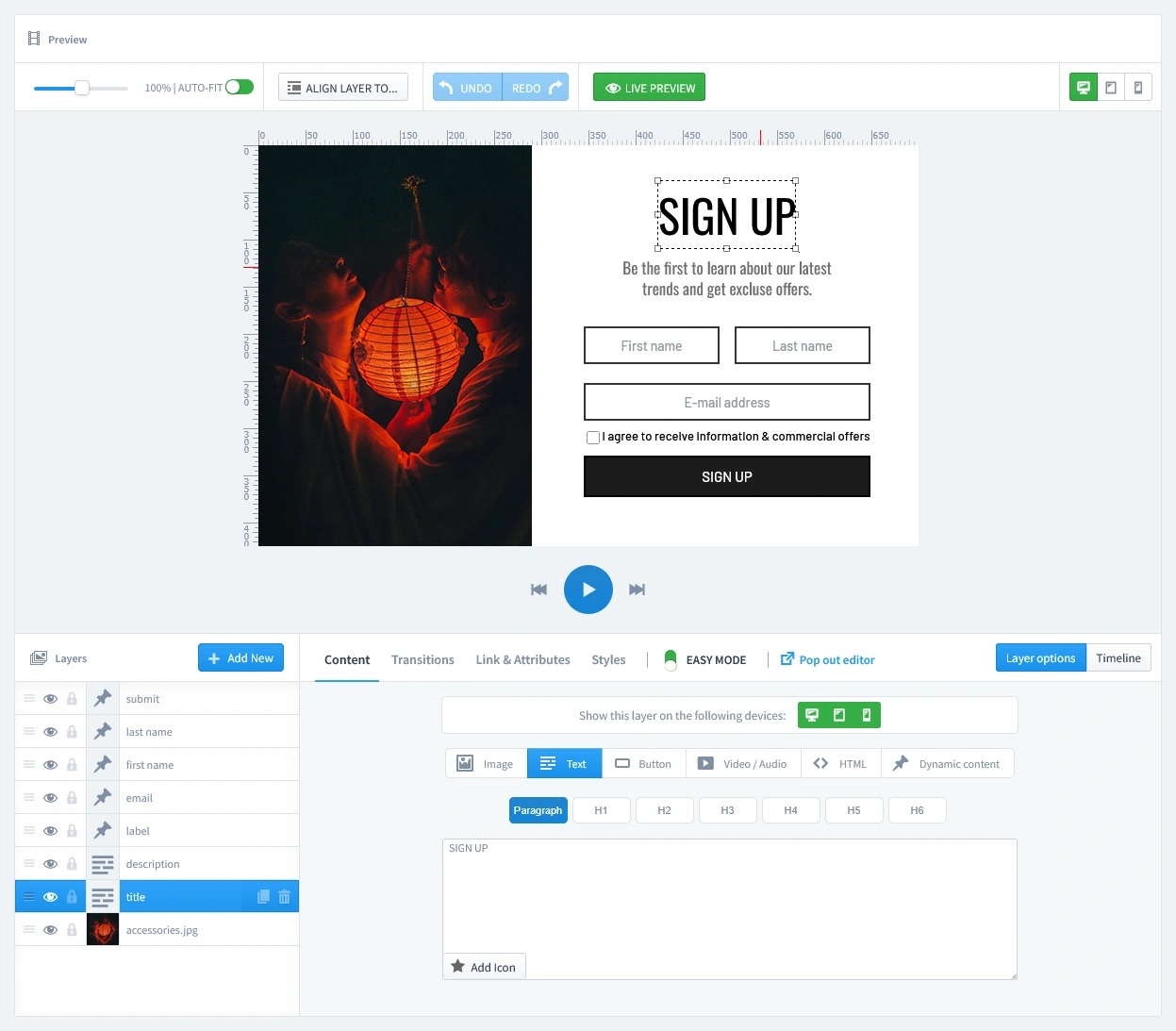
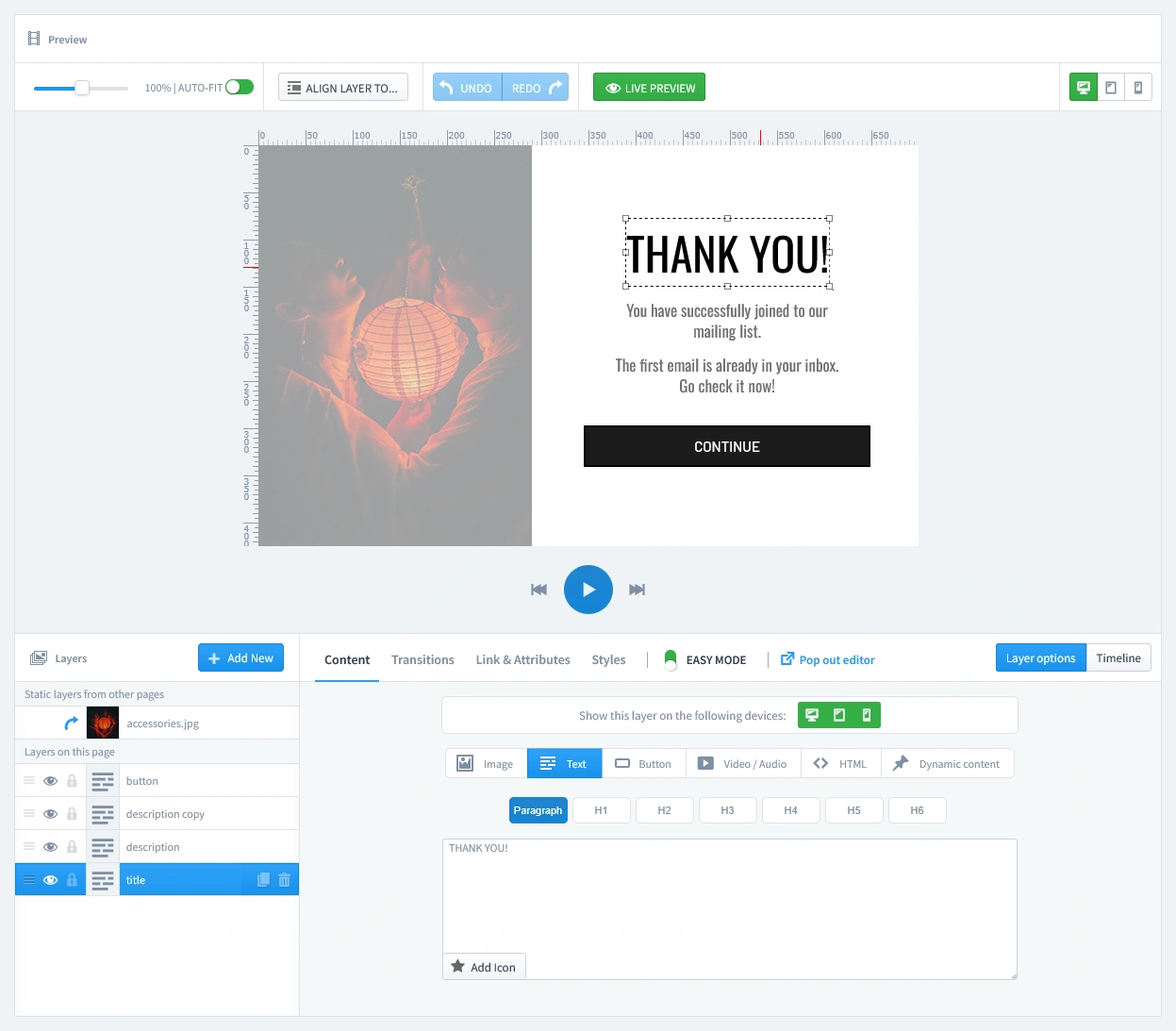
This campaign uses two distinct pages that you can customize in the editor: the form itself and the "thank you" page that follows.
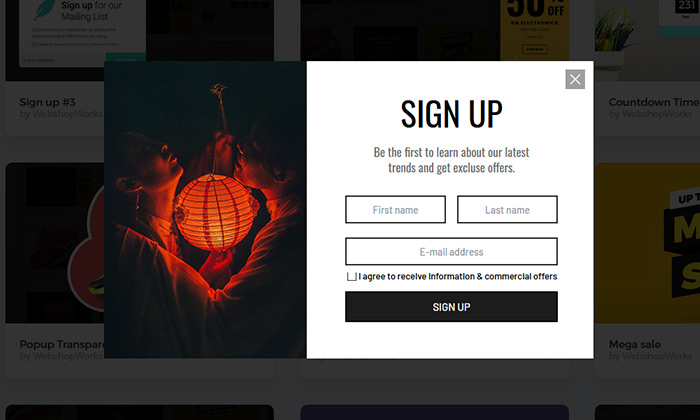
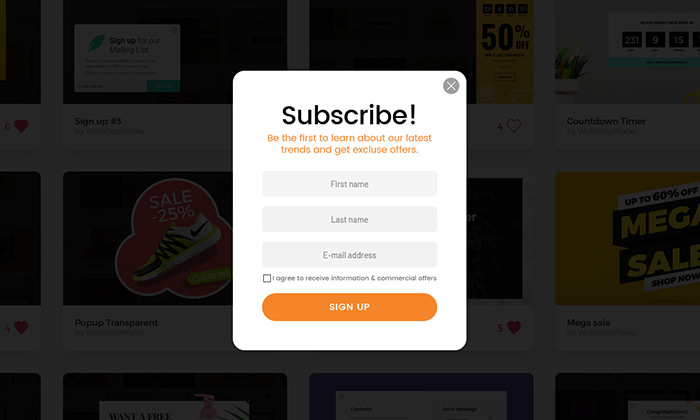
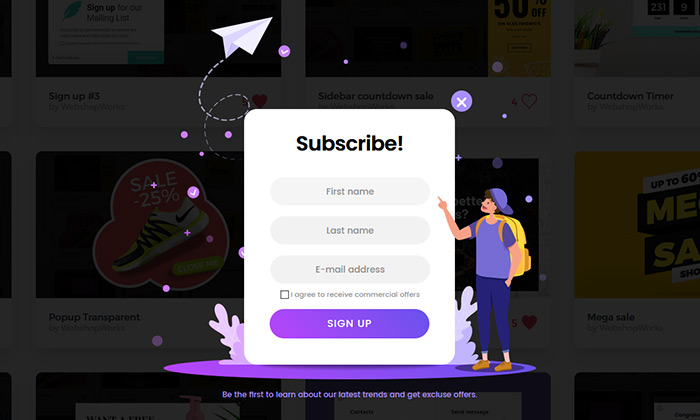
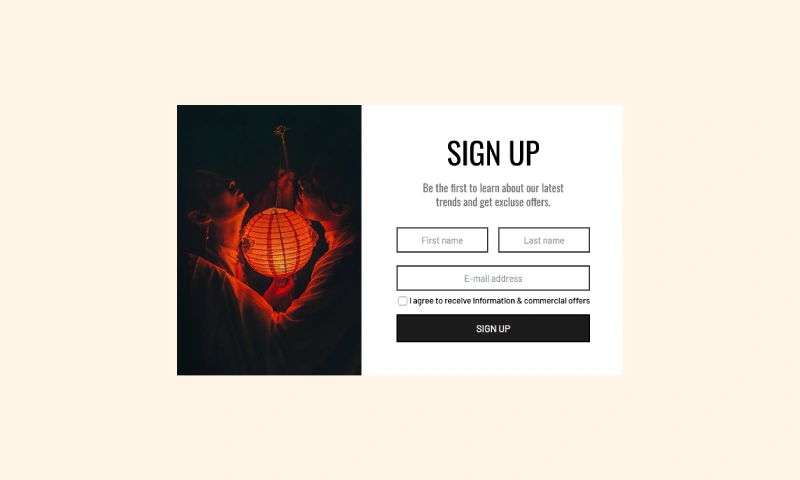
- The Subscription Form (First Tab): This is the main view your visitor sees. For the Brevo sync to work, it is mandatory that this form includes three input fields: First Name, Last Name, and Email. This is because our module creates a new customer account in your PrestaShop store, which is then automatically synced to your Brevo list. An email-only form will not work for this specific integration. Once you confirm the fields are correct, you can easily customize the colors, font, and image to fit your store's design.
- The Thank You Page (Second Tab): This page appears automatically after a visitor successfully subscribes. Use this space to thank them for joining and confirm their subscription.

Don't let spam bots fill your database with fake entries. Protect your form by adding a layer of security with our reCAPTCHA Module. It integrates with PrestaShop to block bots without annoying real customers.
Step 3: Set Triggers
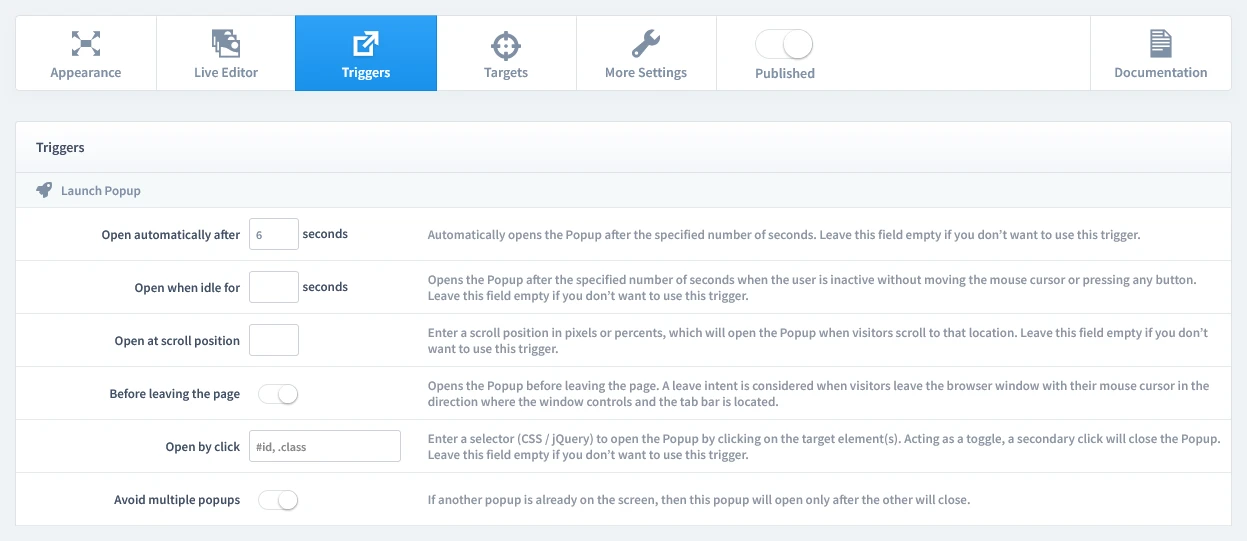
In this step, we'll set the rules for when your popup appears. Let's begin by clicking on the Triggers tab.
1. Launch Popup
You have several powerful options, but for this campaign, select Open automatically after 6 seconds. This gives visitors a moment to see your page before the offer appears, which feels natural and less intrusive.
As you get more advanced, you can use different triggers for different pages. For example:
- On a Category Page, using a Scroll Position trigger (e.g., at 50%) can target highly engaged shoppers.
- On a Blog Post, triggering after a user reads 70% of the article is extremely effective.
2. Repeat Control
To prevent showing the same popup to a visitor too often, choose Repeat once in a browser session. To set this up, enable "Repeat Popup" and set the "Repeat after" value to 0 days.
Step 4: Set Targets
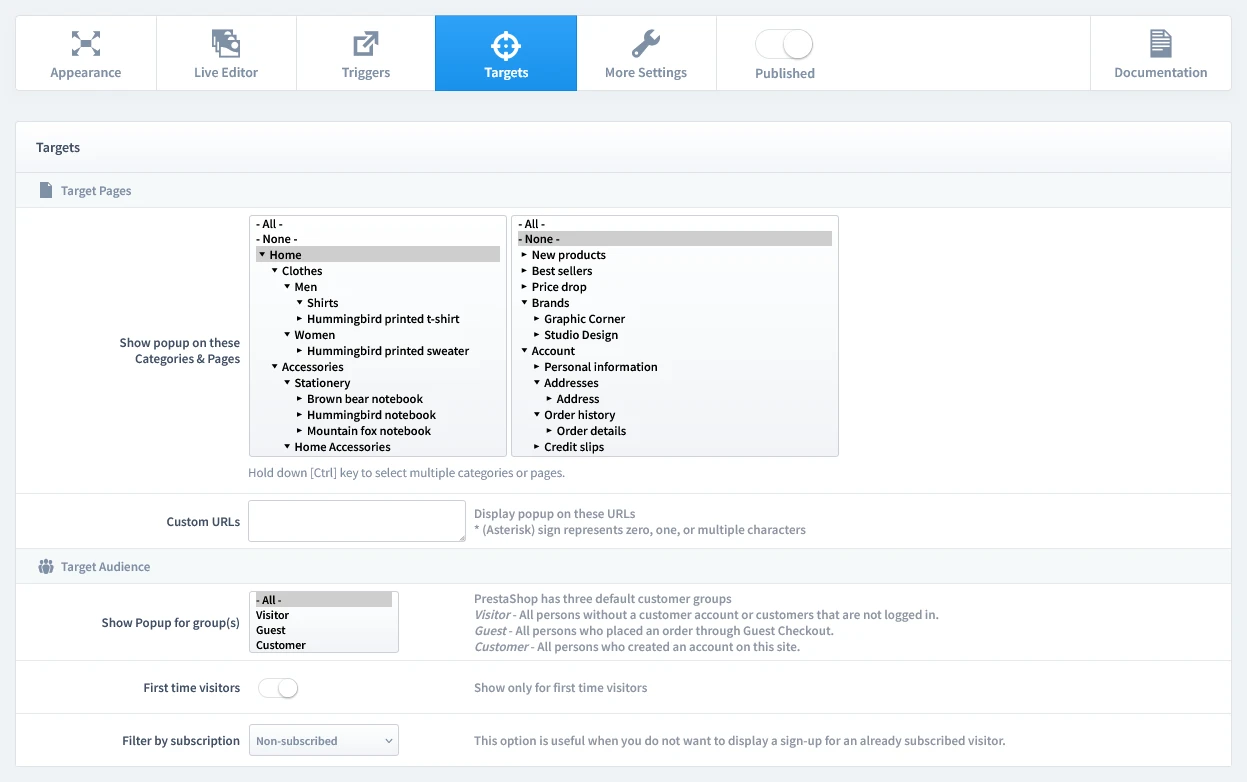
Now that we've set when the popup appears, it's time to define who sees it and on which pages. Let's begin by clicking on the Targets tab.
- Target Pages: For this type of popup, we recommend showing it on your Homepage.
- Target Audience: This is a crucial step; configure it to hide the popup for subscribed users. This ensures you only show the offer to new visitors and non-subscribers.
That's it! Your campaign is now live and ready to start boosting conversions on your store.
Don't have the module yet?
Start putting this strategy to work on your PrestaShop store.
Choose a Design and Go Live in Just a Few Clicks
Why start from a blank page? Our template library is packed with professionally designed, conversion-focused layouts ready for your PrestaShop store.
Explore More Ways to Engage Visitors
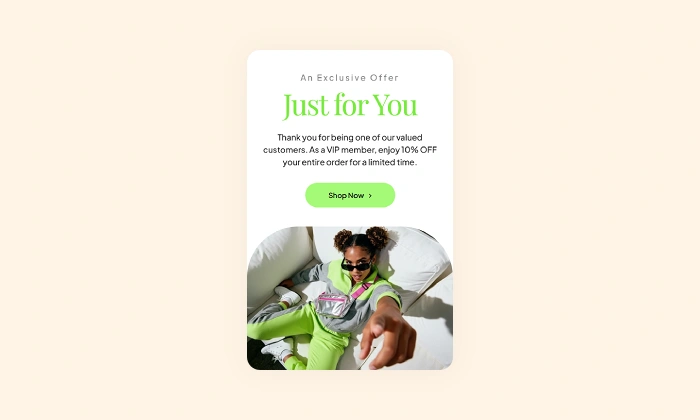
VIP Offer Popup
Reward your best customers with exclusive deals Increase loyalty and drive repeat sales by showing s…
Read more »
Newsletter Signup Popup
Convert more traffic into valuable subscribers with an effective and user-friendly newsletter popup …
Read more »
Mystery Gift Popup
Delight new visitors with a fun 'pick a box' game that sparks curiosity, captures emails, and drives…
Read more »
Discount Coupon Popup
Turn engaged shoppers into buyers with a coupon Offer a timely discount coupon to visitors showing i…
Read more »
Influencer Popup
Create a custom welcome popup for visitors from influencer campaigns, building instant trust and dri…
Read more »
Login Popup
Allow your customers to log in from any page without interruption, reducing friction and improving t…
Read more »