

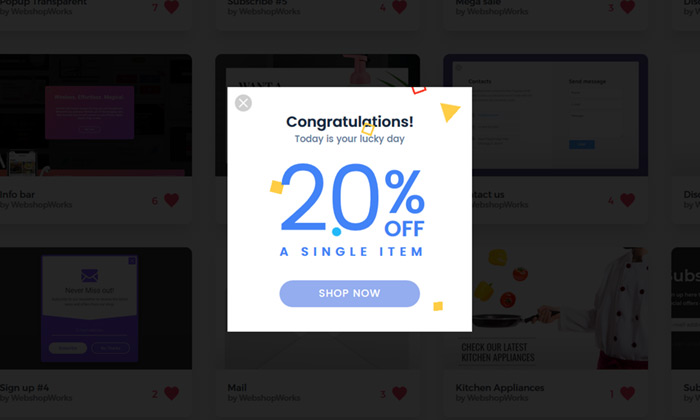
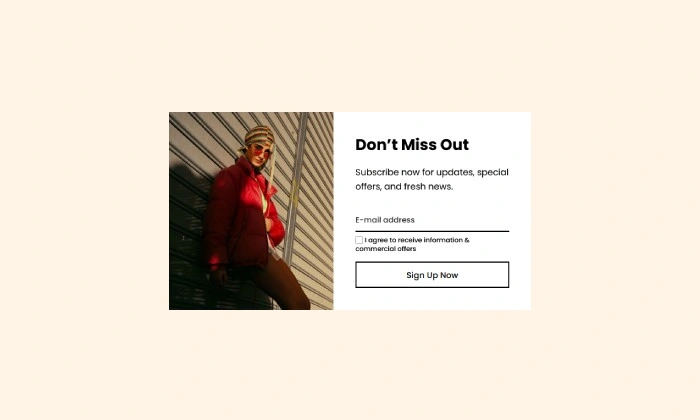
Reward your best customers with exclusive deals
Increase loyalty and drive repeat sales by showing special offers that are only visible to your most valuable customer groups
Did You Know?
It can cost up to 5 times more to attract a new customer than to retain an existing one. A VIP popup is a powerful tool for rewarding loyalty and boosting the lifetime value of your best customers.
Boost Your Store with Smart Popups
When to use a VIP Offer Popup?
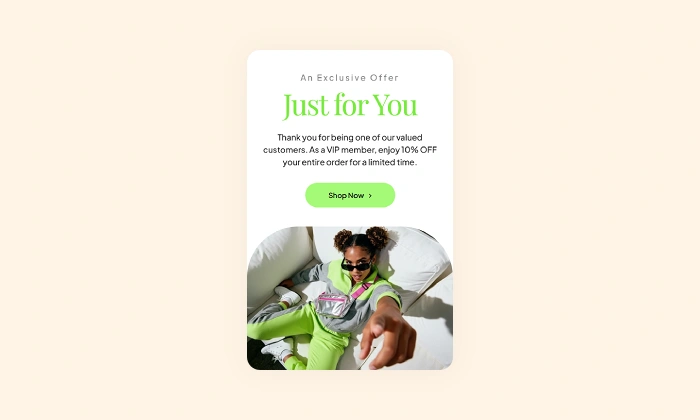
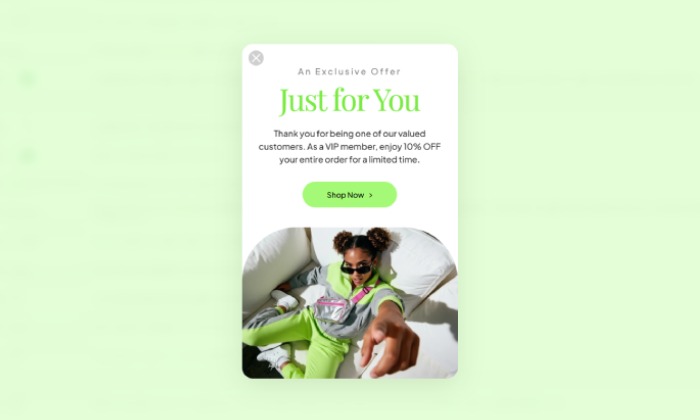
Not all customers are the same. Your most loyal, repeat shoppers are your store's biggest asset, and they deserve special treatment. A VIP popup allows you to acknowledge their value by presenting exclusive offers that regular visitors and new customers can't see.
This is the perfect popup to:
- Increase customer loyalty and lifetime value.
- Drive repeat sales from your best customers.
- Promote an exclusive sale or early access to a new collection.
How to set up the campaign?
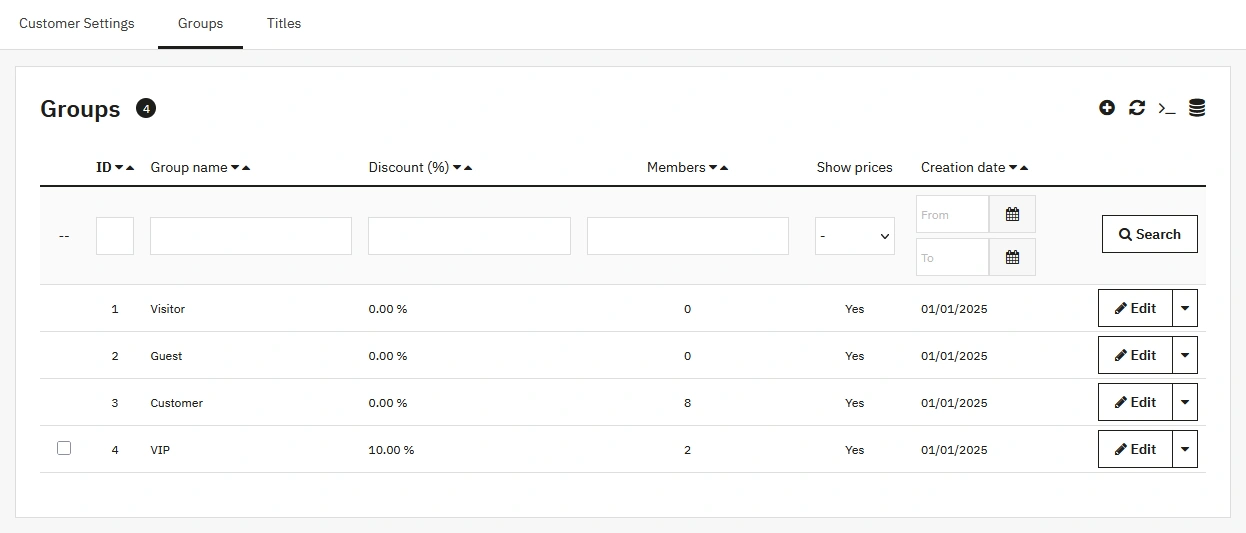
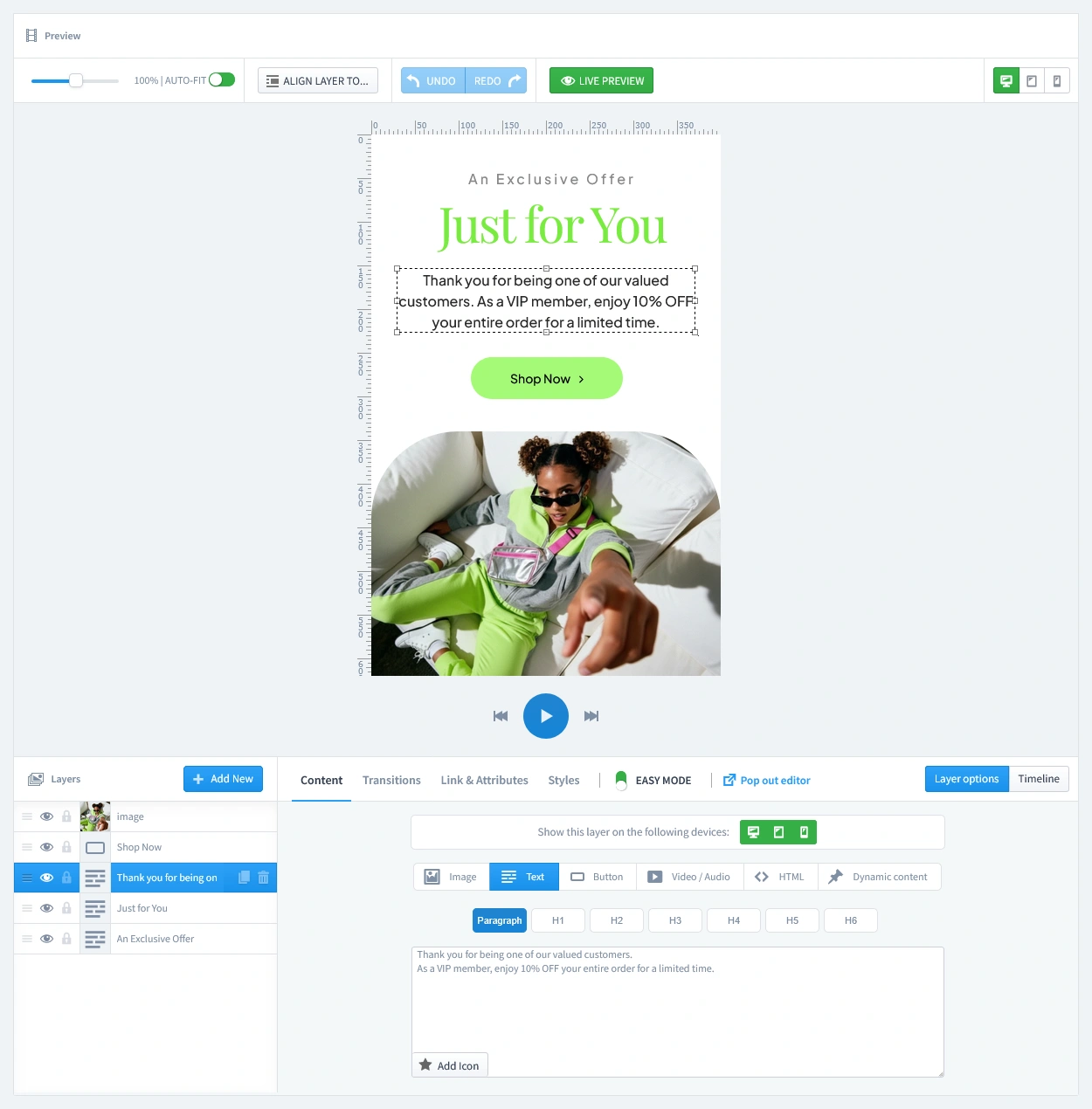
The key to this strategy is targeting a specific customer group. First, we'll create a "VIP" group in PrestaShop, and then we'll design a popup that only they can see.
Step 0: Create Your "VIP" Customer Group in PrestaShop
Before we build the popup, we need a way for PrestaShop to identify who our VIPs are. This is done by creating a new Customer Group.
- Navigate to Shop Parameters > Customer Settings in your PrestaShop back office.
- Click on the Groups tab.
- Click the "Add new group" button.
- Give your group a Name, such as "VIP". You can also set a group-wide discount percentage here if you wish.
- Click Save.
Step 3: Set Triggers
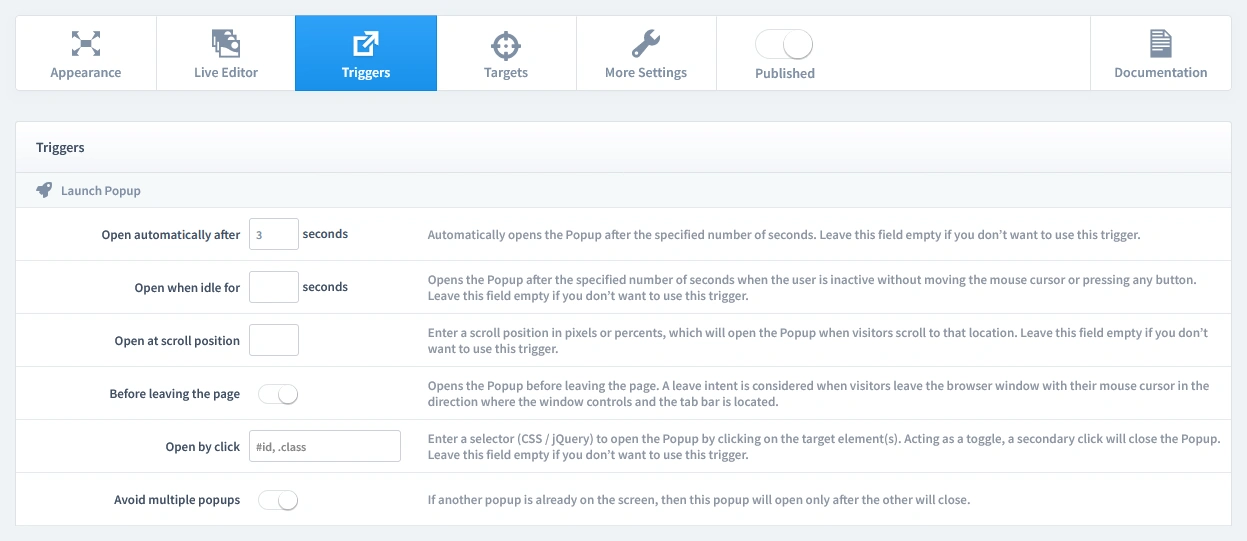
In this step, we'll set the rules for when your popup appears. Let's begin by clicking on the Triggers tab.
1. Launch Popup
You have several powerful options, but for this campaign, select Open automatically after 3 seconds. This ensures your VIP customer sees their special offer shortly after they log in and arrive on the page, feeling like a personal welcome.
2. Repeat Control
For a welcome-back message, Repeat once in a browser session is a great choice to remind them of their VIP status. This setting prevents the popup from appearing again. We will combine this with a rule on the Targets tab to ensure it only appears once for the VIP customer group.
Step 4: Set Targets
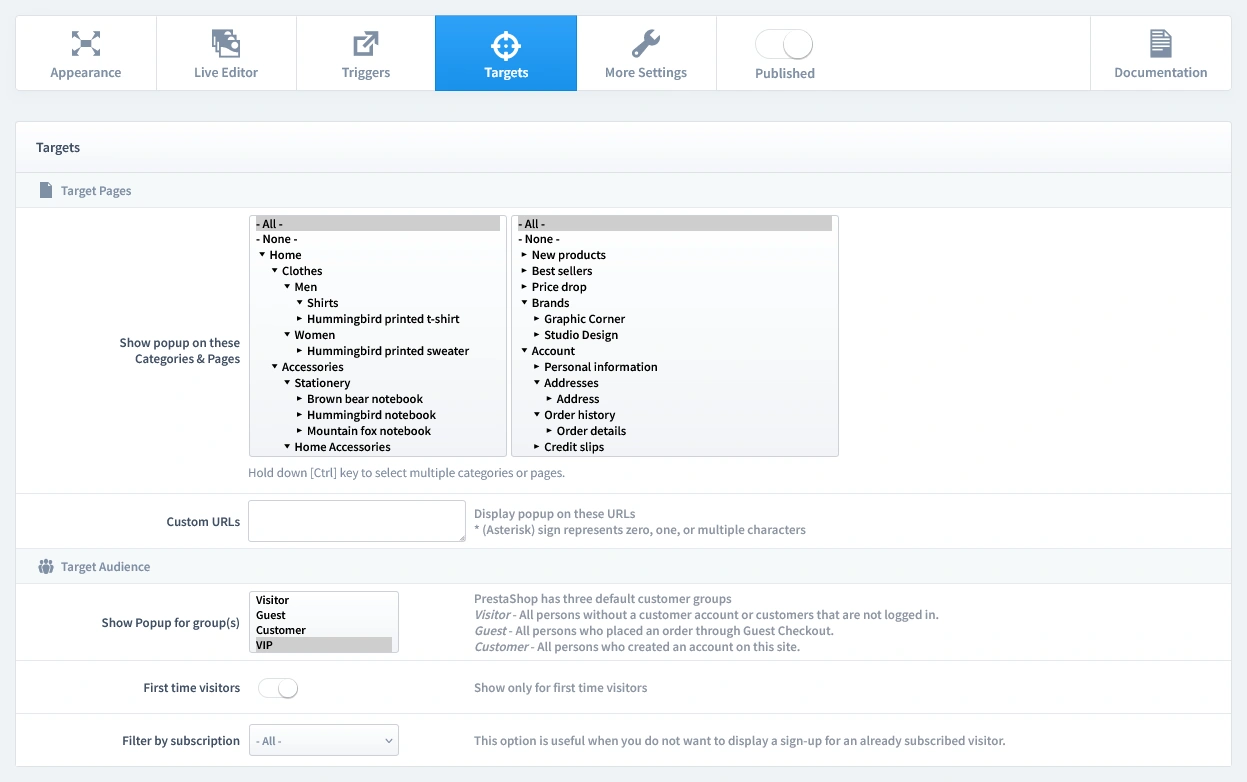
Now that we've set when the popup appears, it's time to define who sees it and on which pages. Let's begin by clicking on the Targets tab.
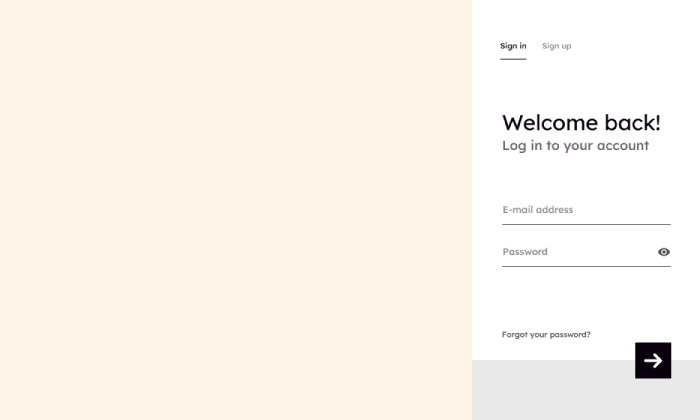
- Target Pages: You can enable this popup on all pages. Because of the audience rule we're about to set, the popup will only display after a customer logs in to their VIP account, regardless of which page they are on. This ensures they see the offer immediately upon logging in.
- Target Audience: In the "Show Popup for group(s)" setting, select only your new "VIP" group. This is the key to making the popup exclusive. It will automatically be hidden from regular visitors, guests, and non-VIP customers.
That's it! Your campaign is now live and ready to start boosting conversions on your store.
Don't have the module yet?
Start putting this strategy to work on your PrestaShop store.
Choose a Design and Go Live in Just a Few Clicks
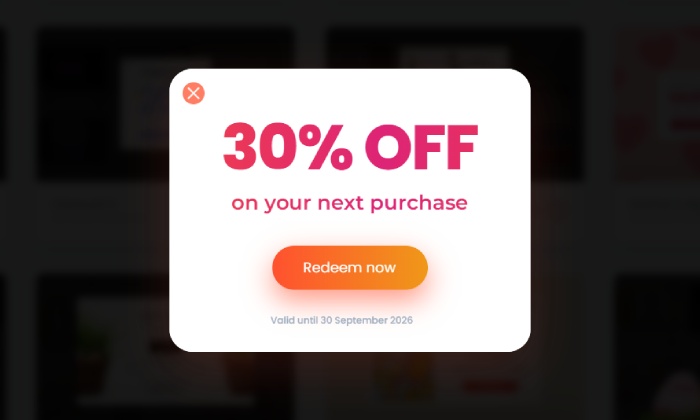
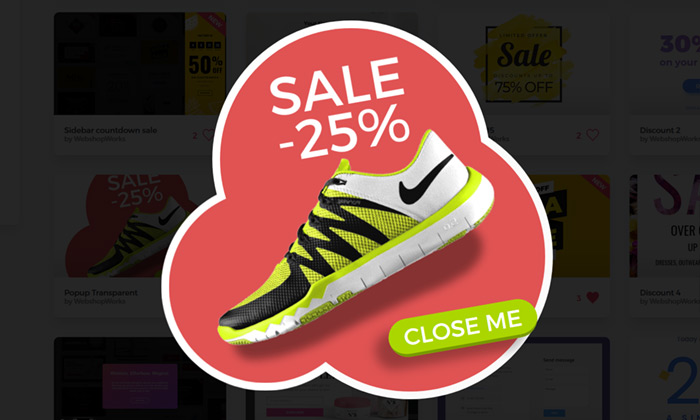
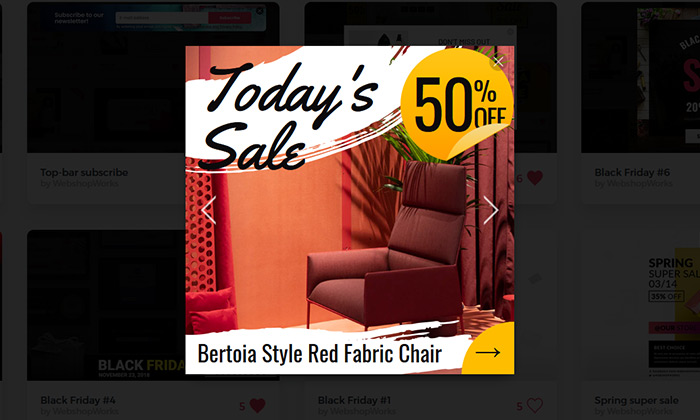
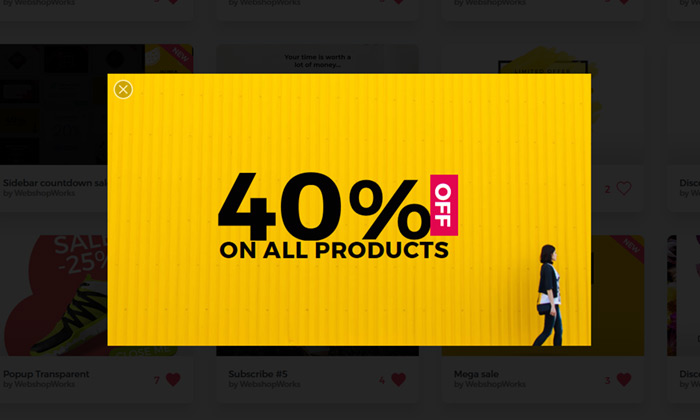
Why start from a blank page? Our template library is packed with professionally designed, conversion-focused layouts ready for your PrestaShop store.
NEW
NEW
Explore More Ways to Engage Visitors
Spin To Win Popup
Turn shopping into a fun experience with a "Spin to Win" wheel that offers instant discounts and dri…
Read more »
Brevo Newsletter Popup
Sync new subscribers from your PrestaShop store directly to your Brevo email lists and automation wo…
Read more »
Exit-Intent Popup
Boost checkout confidence and save sales Remind shoppers of your store’s key benefits at the last se…
Read more »
WhatsApp Live Chat Popup
Provide real-time support and build relationships by allowing visitors to chat with you directly on …
Read more »
Mystery Gift Popup
Delight new visitors with a fun 'pick a box' game that sparks curiosity, captures emails, and drives…
Read more »
Mailchimp Newsletter Popup
Sync new subscribers from your PrestaShop store directly to your Mailchimp Audience and marketing ca…
Read more »