Answer customer questions and boost sales
Provide instant, accessible support with a non-intrusive contact form that builds trust and removes purchase barriers
Did You Know?
Over 50% of customers are more likely to make a purchase if they can easily find answers to their questions. An accessible contact form turns pre-sale questions into conversions.
Boost Your Store with Smart Popups
When to use a Contact Form Popup?
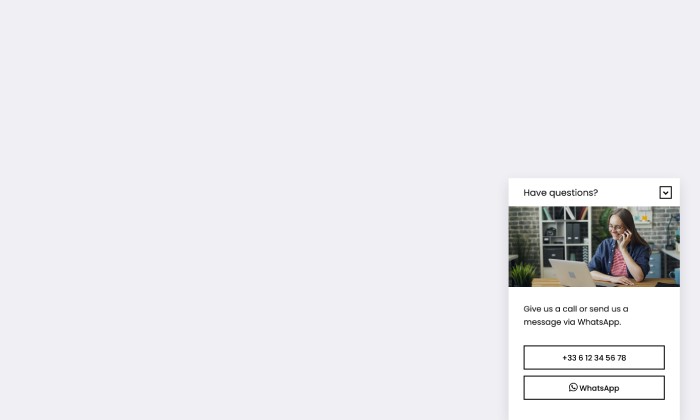
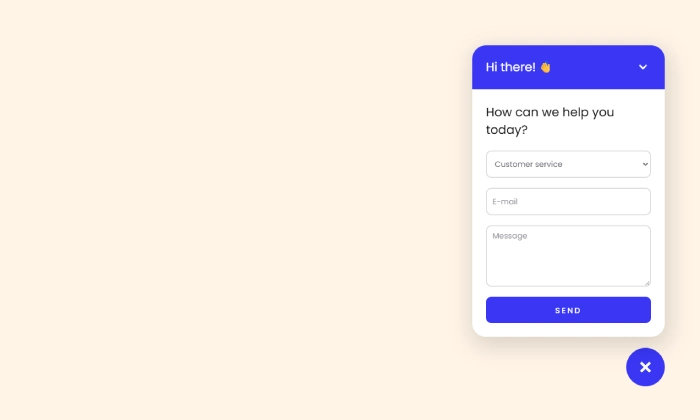
Don't make customers search for a hidden "Contact Us" page. This popup puts help just a click away, from anywhere on your site. It starts as a small, non-intrusive bubble and opens into a full contact form only when a customer needs it.
This is the perfect popup to:
- Reduce pre-sale friction by answering questions about products, stock, or shipping.
- Improve customer satisfaction by making it easy to get help.
- Build trust by showing that you are available and ready to assist.
How to set up the campaign?
We will build a two-part popup: a persistent, clickable "launcher" bubble, and the main contact form that it opens.
Step 2: Design your popup
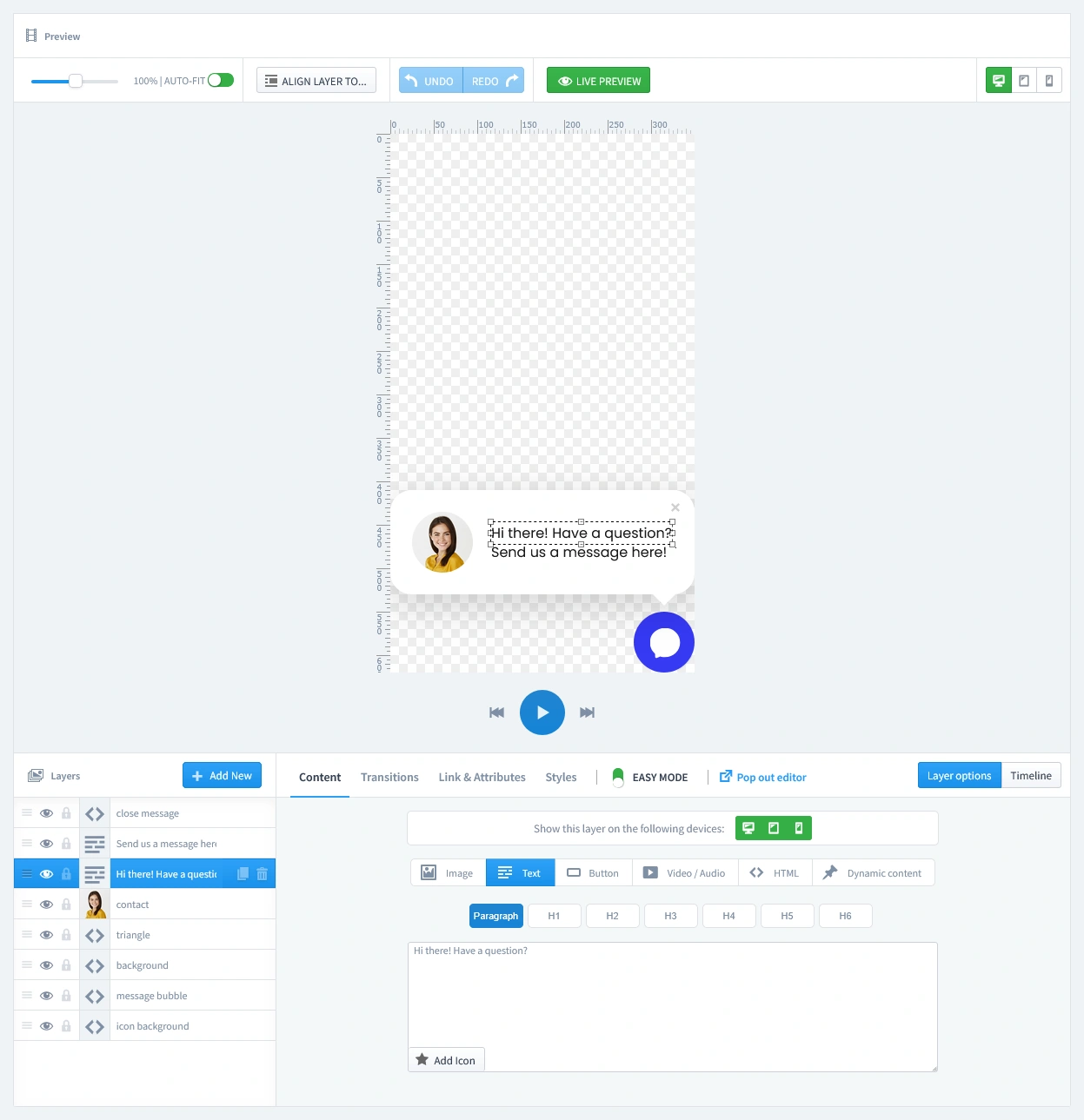
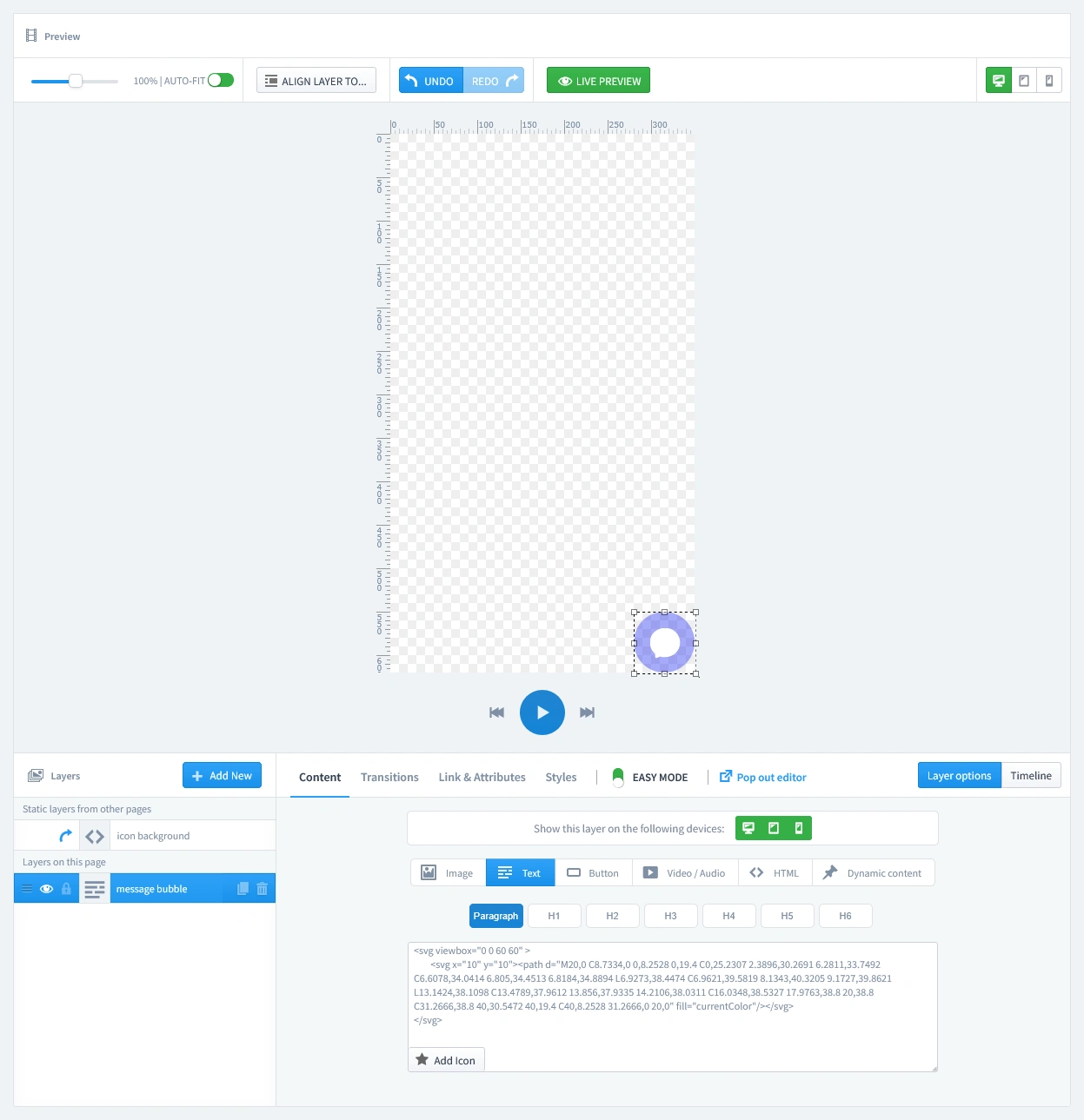
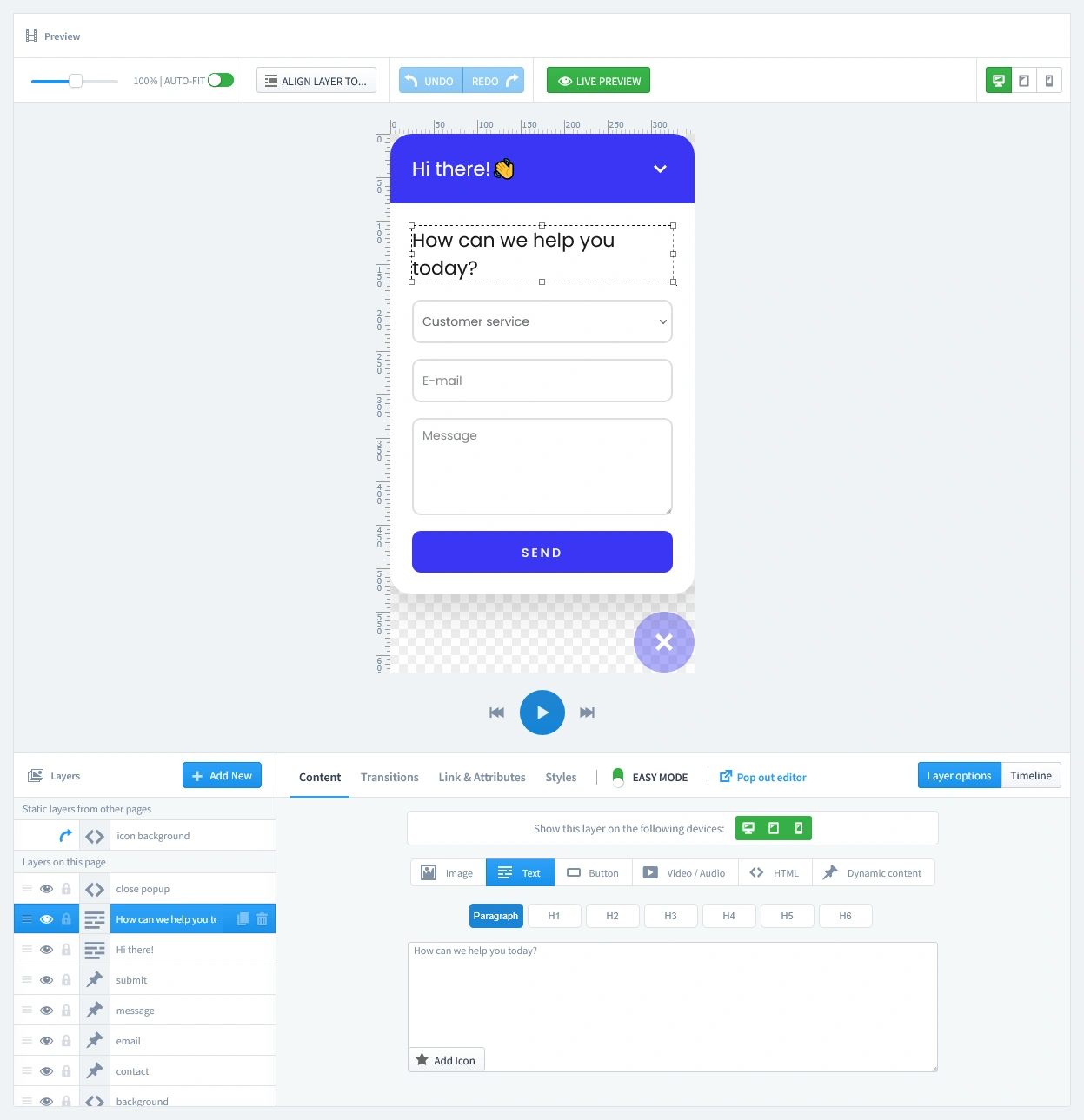
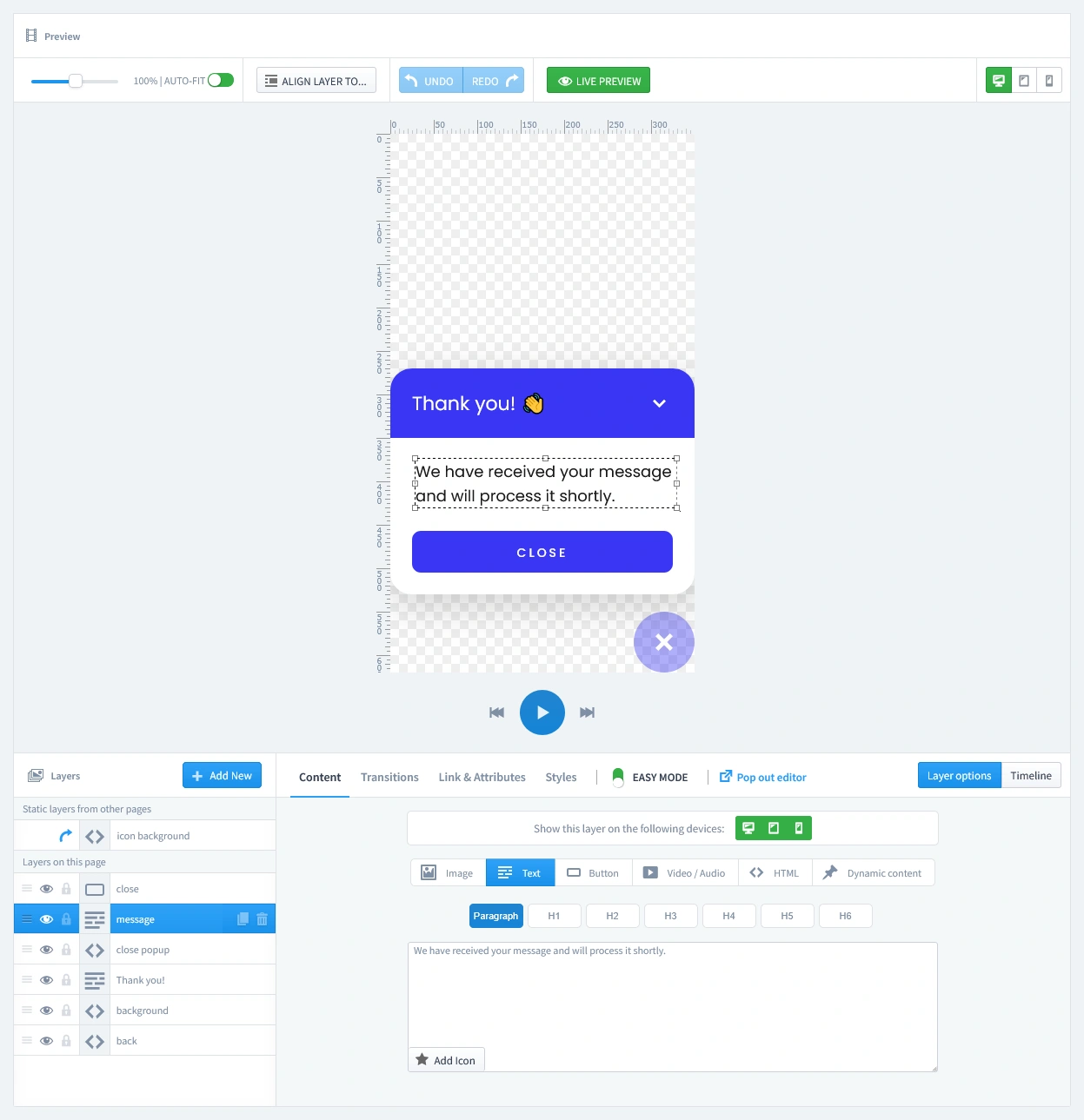
This campaign uses multiple pages to create a full conversational experience. You will need to design each one in the editor.
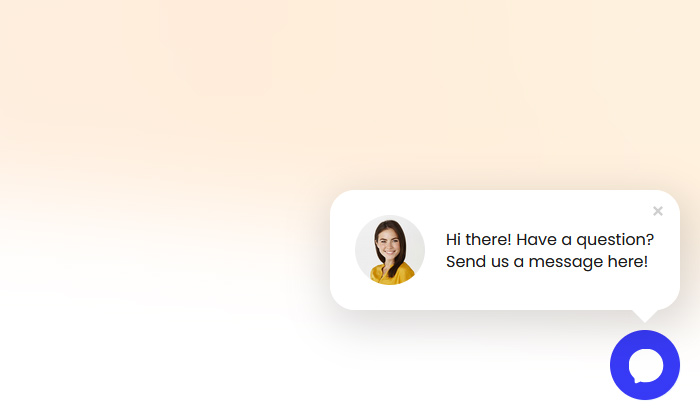
- The Welcome Teaser (First Tab): This is the initial, eye-catching message that appears with the launcher bubble to greet your visitor, for example: "Hi there! Have a question?". This can be set to disappear after a few seconds, leaving just the launcher.
- The Launcher Bubble (Second Tab): This is the small, clickable icon that remains visible on your site (typically in the bottom-right corner). This is the element the user will click to open the main contact form at any time.
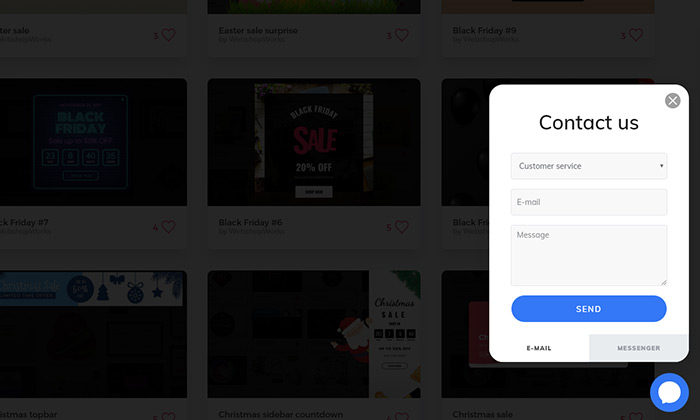
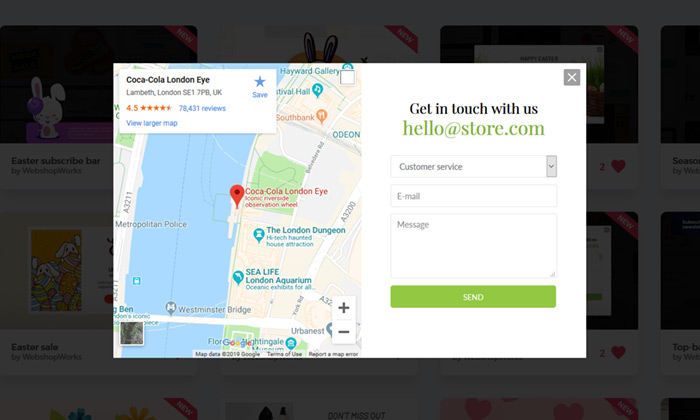
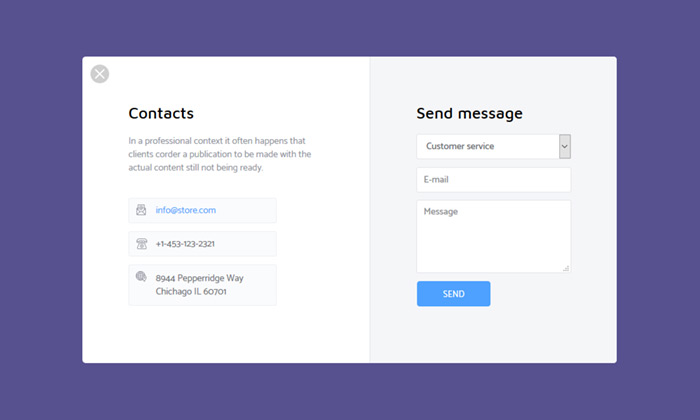
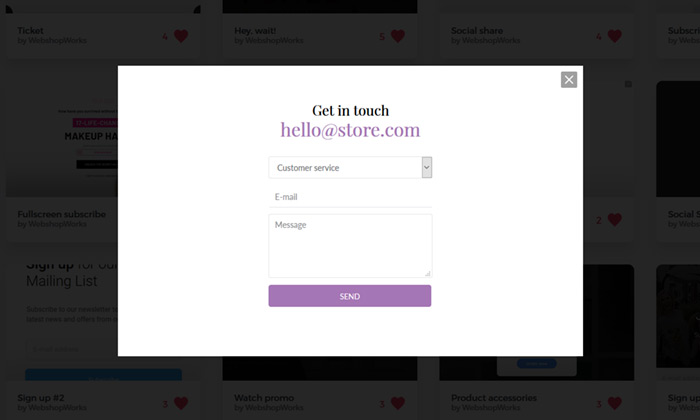
- The Main Form (Third Tab): This is the full contact form that appears when a user clicks the launcher. Here, you'll customize the headline, the input fields (like Topic, Email, and Message), and the "Send" button.
- The Success Page (Fourth Tab): This final page is shown after a successful submission. Use this space to confirm that you've received their message and set expectations, for example: "Thank you! We have received your message and will process it shortly."

Don't let spam bots fill your database with fake entries. Protect your form by adding a layer of security with our reCAPTCHA Module. It integrates with PrestaShop to block bots without annoying real customers.
Step 3: Set Triggers
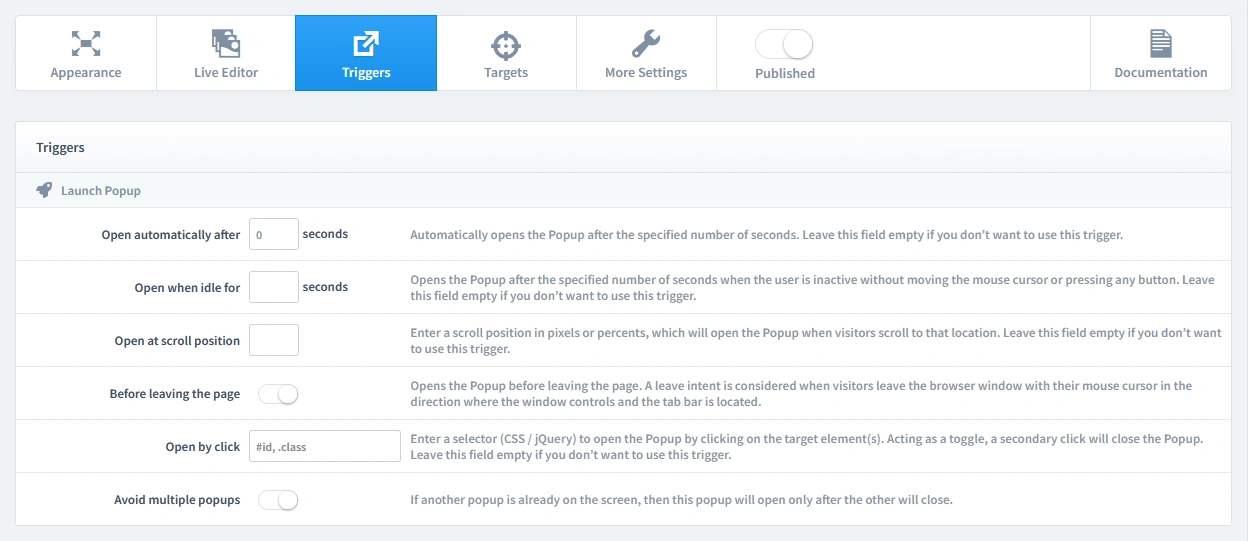
In this step, we'll set the rules for when your popup appears. Let's begin by clicking on the Triggers tab.
1. Launch Popup
For a launcher-style popup, the correct setting is to Open automatically after 0 seconds. This ensures the small, clickable launcher bubble appears instantly on the page without being disruptive. The full contact form will only open when a visitor actively clicks the bubble, giving them complete control.
2. Repeat Control
This popup should always be available for the customer to open and close. To achieve this, simply enable the "Repeat Popup" parameter. Leave all other repeat settings disabled. This will ensure the launcher bubble remains accessible throughout the user's visit.
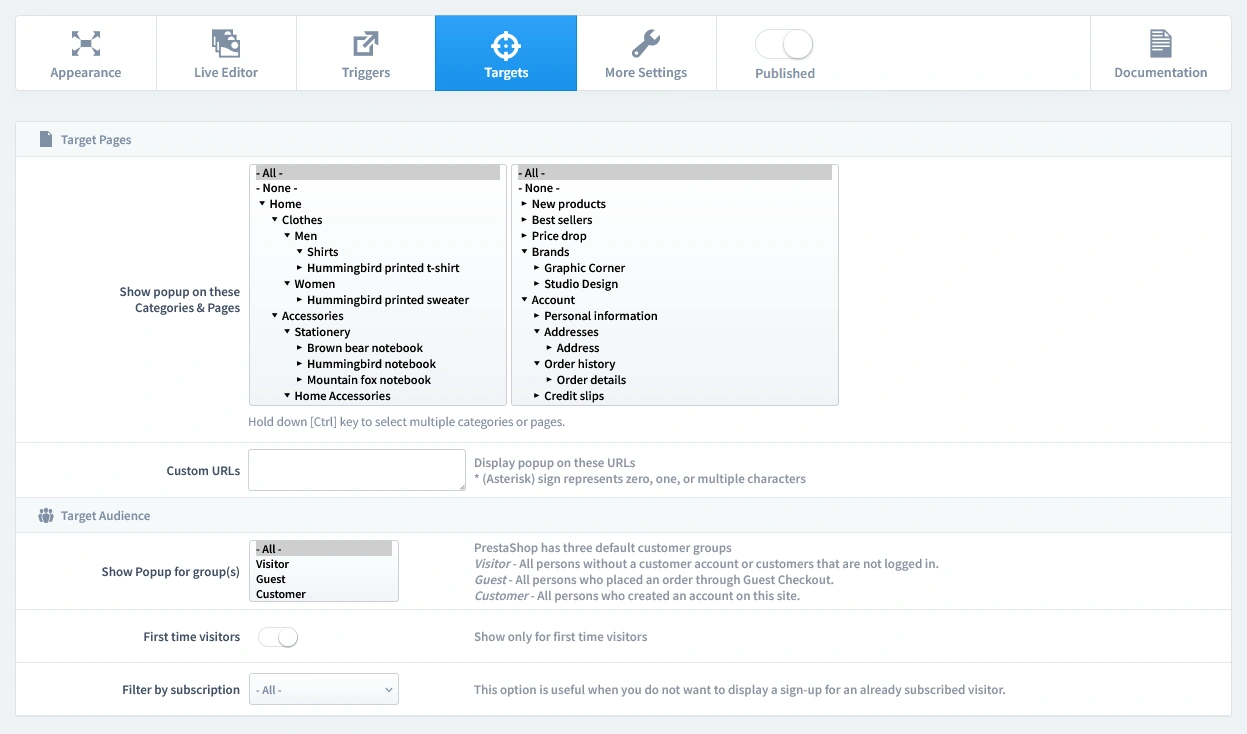
Step 4: Set Targets
Now that we've set when the popup appears, it's time to define who sees it and on which pages. Let's begin by clicking on the Targets tab.
- Target Pages: For maximum accessibility, we recommend showing the contact bubble on All Pages. This ensures a customer can ask for help no matter where they are in their shopping journey.
- Target Audience: This tool is useful for everyone. Set it to show to All visitors.
That's it! Your campaign is now live and ready to start boosting conversions on your store.
Don't have the module yet?
Start putting this strategy to work on your PrestaShop store.
Choose a Design and Go Live in Just a Few Clicks
Why start from a blank page? Our template library is packed with professionally designed, conversion-focused layouts ready for your PrestaShop store.
Explore More Ways to Engage Visitors
Brevo Newsletter Popup
Sync new subscribers from your PrestaShop store directly to your Brevo email lists and automation wo…
Read more »
Influencer Popup
Create a custom welcome popup for visitors from influencer campaigns, building instant trust and dri…
Read more »
Newsletter Signup Popup
Convert more traffic into valuable subscribers with an effective and user-friendly newsletter popup …
Read more »
WhatsApp Live Chat Popup
Provide real-time support and build relationships by allowing visitors to chat with you directly on …
Read more »
Multi-Step Welcome Popup
Boost your signup rate by breaking down the subscription process into easy, low-commitment steps tha…
Read more »
VIP Offer Popup
Reward your best customers with exclusive deals Increase loyalty and drive repeat sales by showing s…
Read more »