Boost your influencer marketing with a personalized welcome
Create a custom welcome popup for visitors from influencer campaigns, building instant trust and driving sales with an exclusive offer
Did You Know?
Personalized experiences can lead to a 20% increase in sales. By greeting influencer traffic with a custom popup, you create a seamless journey from social media to your store, significantly boosting conversion rates.
Boost Your Store with Smart Popups
When to use an Influencer Popup?
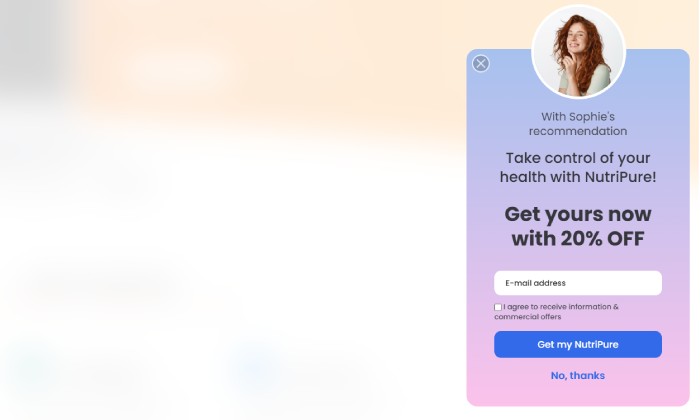
Standard influencer campaigns send traffic to your regular homepage, which can feel impersonal. A personalized influencer popup changes the game. It allows you to greet visitors arriving from a specific influencer's link with a unique welcome message, photo, and offer that's just for them.
This creates a powerful emotional connection and shows that you value their community. This is the perfect popup to:
- Dramatically increase the ROI of your influencer marketing.
- Build instant trust by featuring a familiar face.
- Drive high-quality email signups from a targeted audience.
- Track the performance of specific influencer campaigns.
How to set up the campaign?
The magic of this popup is its targeting. It will only appear for visitors who arrive using a special link provided by your influencer.
Step 0: Create a Unique Coupon Code
First, create the exclusive discount code for your influencer's followers.
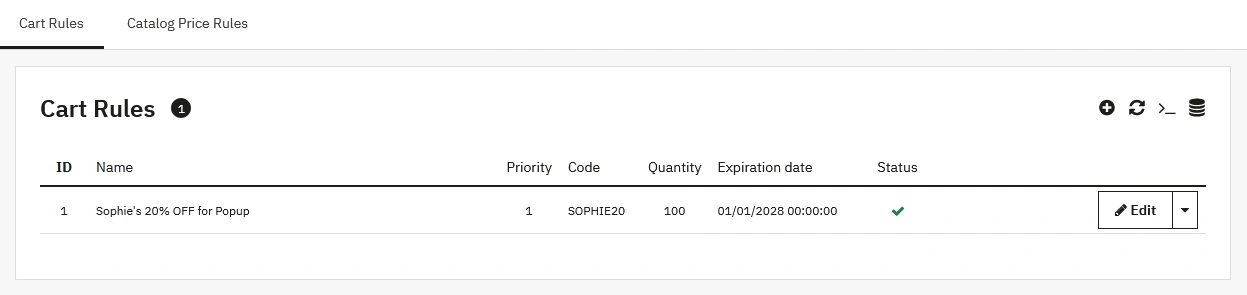
- Navigate to Catalog > Distounts > Cart Rules in your back office and click Add new cart rule.
- Create a new cart rule with a unique, easy-to-remember code (e.g., SOPHIE20 for 20% off). This also helps you track sales from this specific campaign.
- Click Save. Your coupon code is now ready.
Step 2: Design your popup
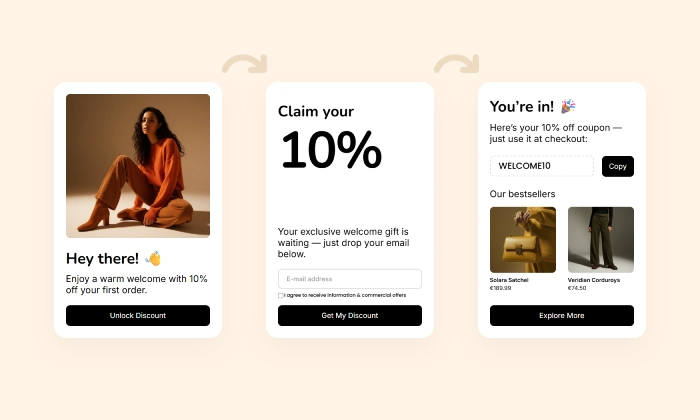
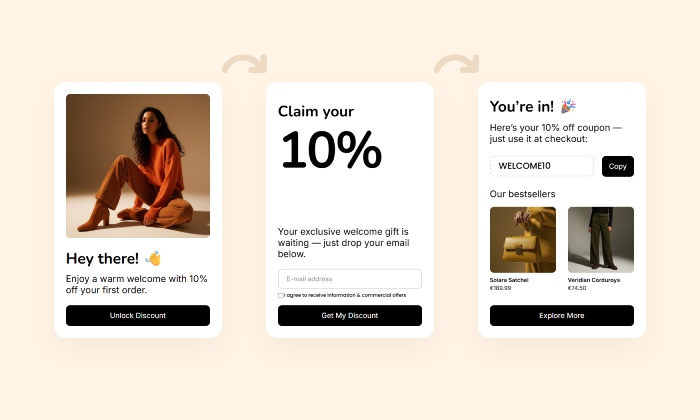
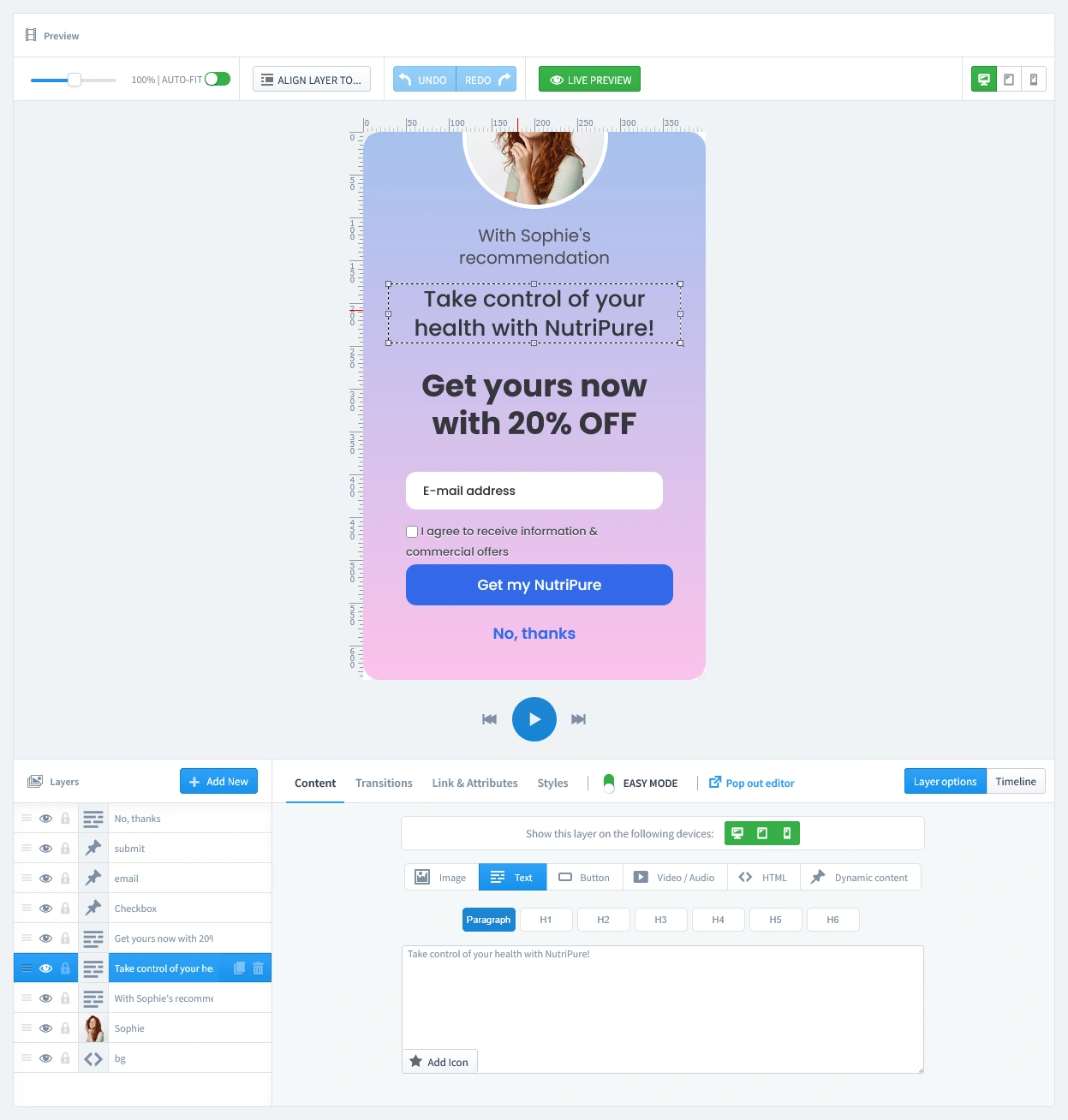
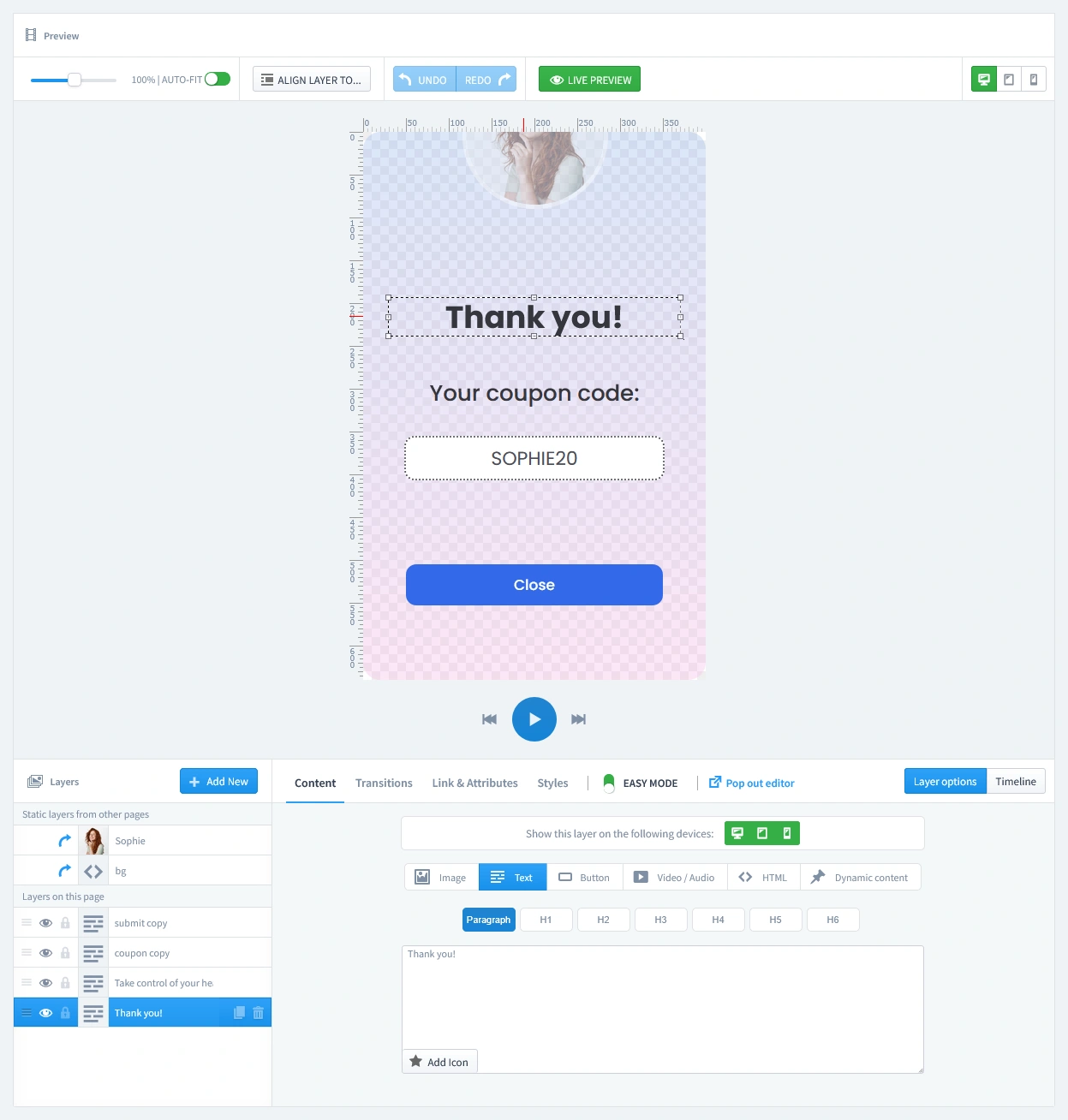
This is where you create the personalized experience. This campaign uses a two-page design: the email capture form and the coupon reveal page.
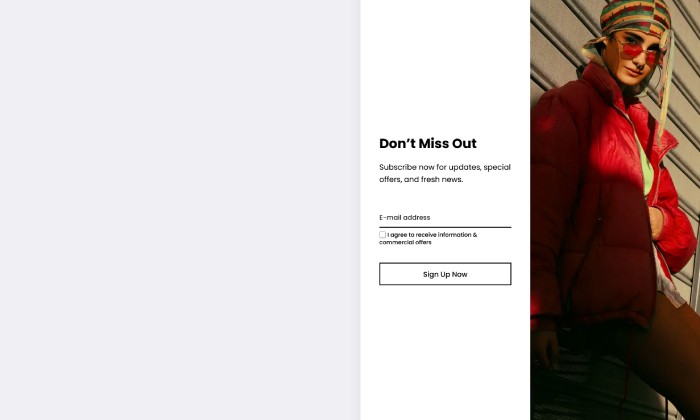
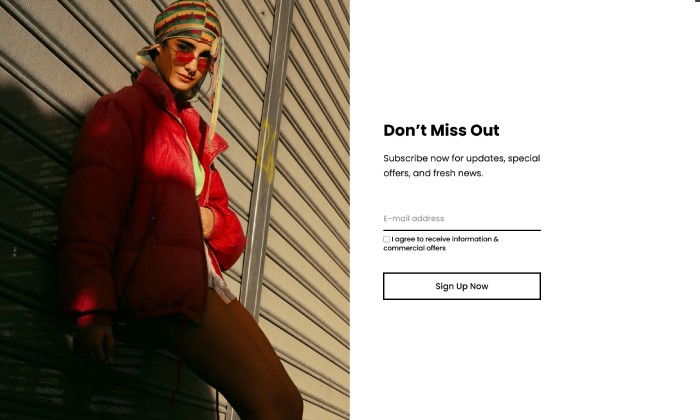
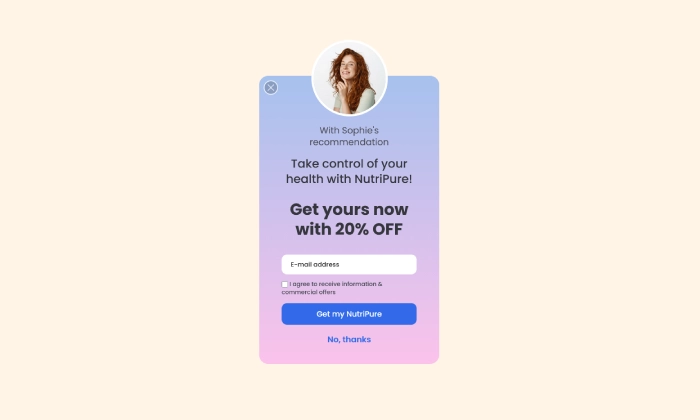
- The Welcome Form (First Page): On the first page, you must personalize the experience. Use your influencer's photo and a headline that mentions them, like "With Sophie's recommendation...". Clearly state the exclusive discount (e.g., "Get yours now with 20% OFF") and ensure the form has an email input field with a clear call-to-action button.
- The Coupon Reveal Page (Second Page): This page appears after a user subscribes. Display the coupon code you created (e.g., SOPHIE20) and thank them for joining.

Don't let spam bots fill your database with fake entries. Protect your form by adding a layer of security with our reCAPTCHA Module. It integrates with PrestaShop to block bots without annoying real customers.
Step 3: Set Triggers
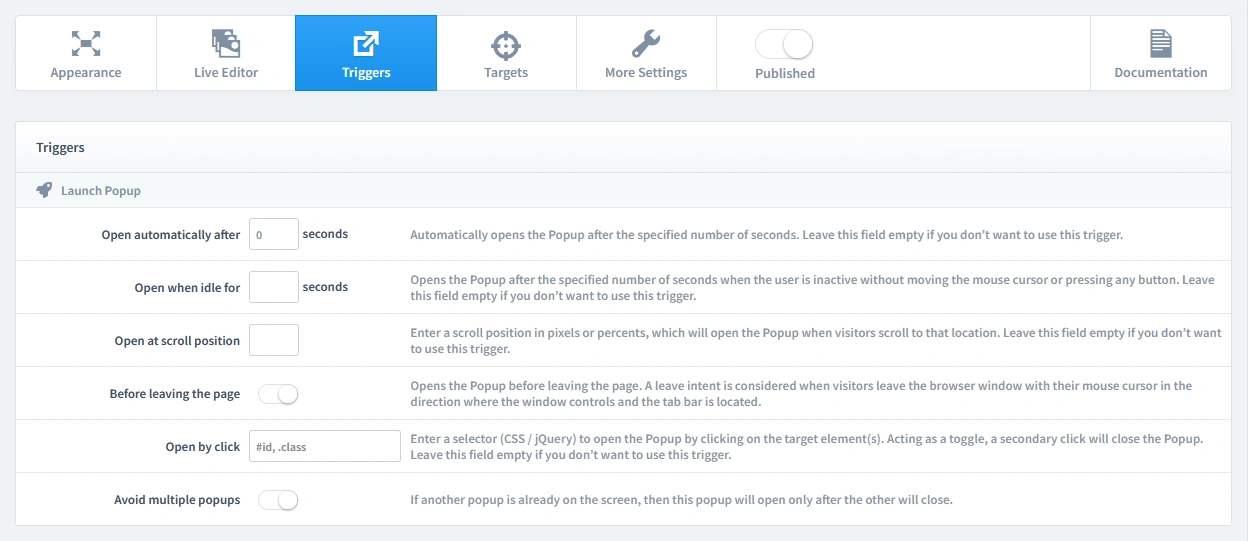
In this step, we'll set the rules for when your popup appears. Let's begin by clicking on the Triggers tab.
1. Launch Popup
You have several powerful options, but for this campaign, select Open automatically after 0 seconds. You want the personalized welcome to appear instantly for visitors arriving from the special link.
2. Repeat Control
For this type of exclusive offer, it's crucial that a visitor only sees it once. To achieve this, start by enabling the "Prevent reopening" parameter. This setting prevents the popup from appearing again. We will combine this with a rule on the Targets tab to ensure it only appears once for each first-time visitor.
Step 4: Set Targets
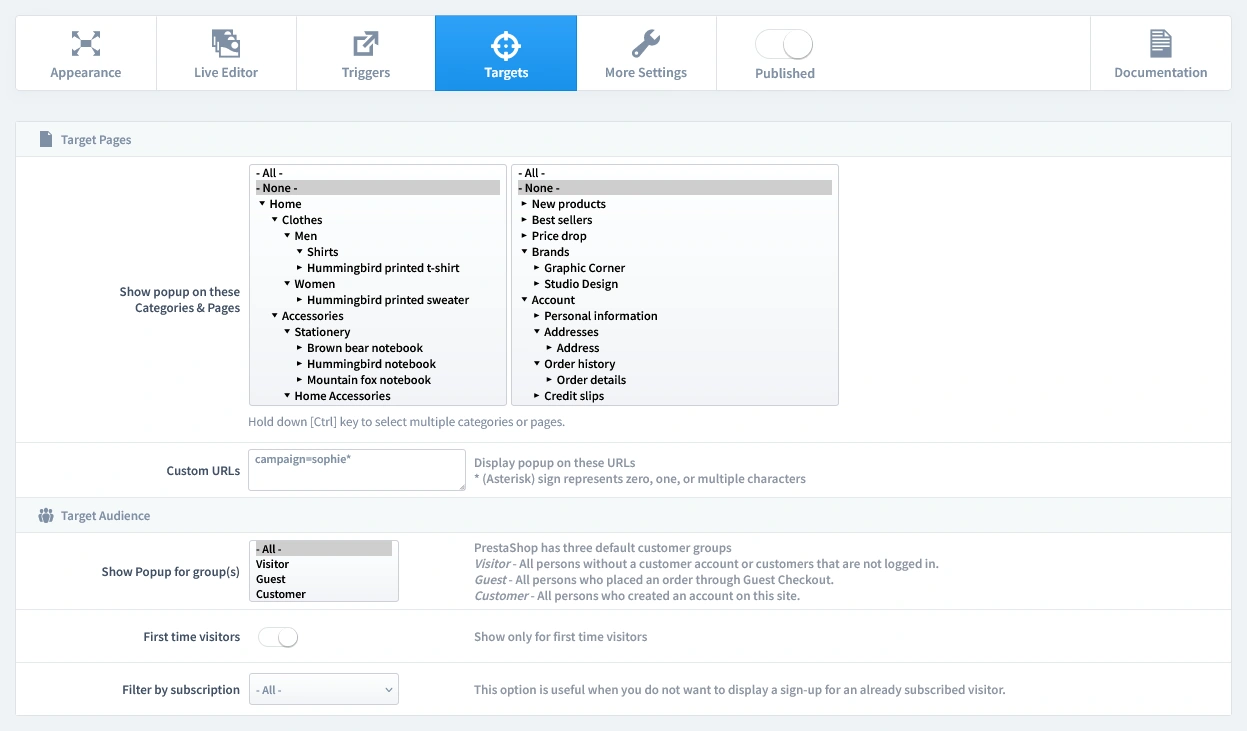
This is the most crucial step that powers the entire strategy. Here, we'll tell the popup to appear only for visitors who use the special influencer link.
- Target Pages - The Custom URL:
- First, decide on your unique URL parameter with your influencer. For example:
?campaign=sophie. The influencer must add this to the end of any link they share to your store. - Now, navigate to the Targets tab in the editor.
- Find the Custom URLs input field.
- In this field, enter the unique part of the URL, followed by an asterisk (*). For our example, you would enter:
campaign=sophie*. This tells the popup to appear on any page of your site, but only if the URL contains campaign=sophie. It will remain hidden from all other visitors.
- First, decide on your unique URL parameter with your influencer. For example:
- Target Audience: Since the goal is to greet everyone coming from the influencer's link, you can leave the audience settings open. Set the popup to show to All visitors to ensure anyone who clicks the link will see your personalized welcome.
That's it! Your campaign is now live and ready to start boosting conversions on your store.
Don't have the module yet?
Start putting this strategy to work on your PrestaShop store.
Choose a Design and Go Live in Just a Few Clicks
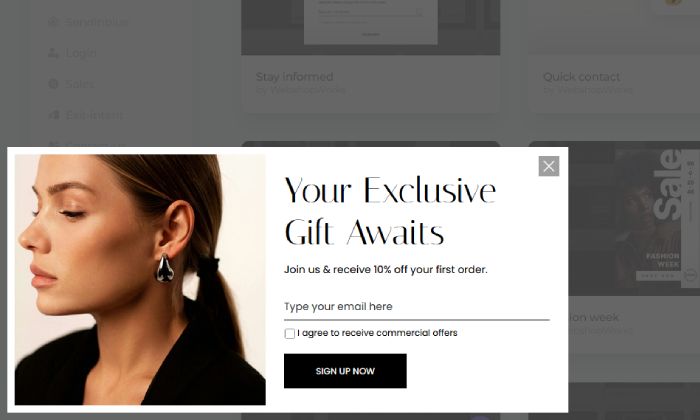
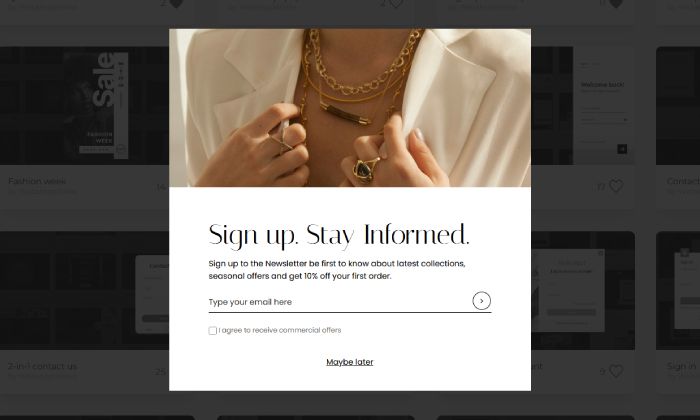
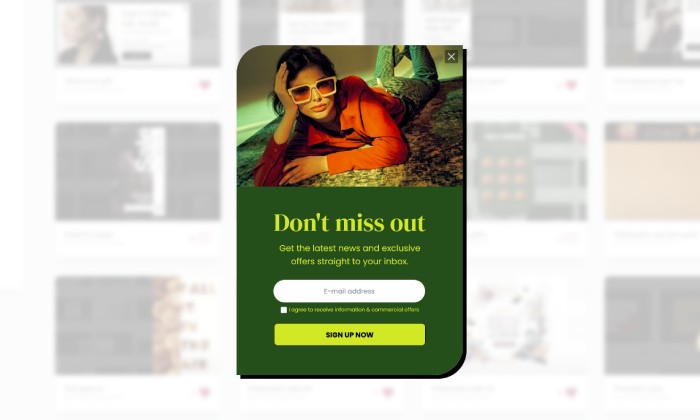
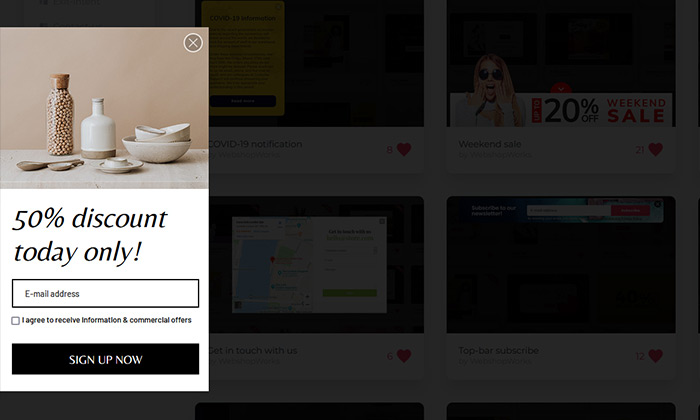
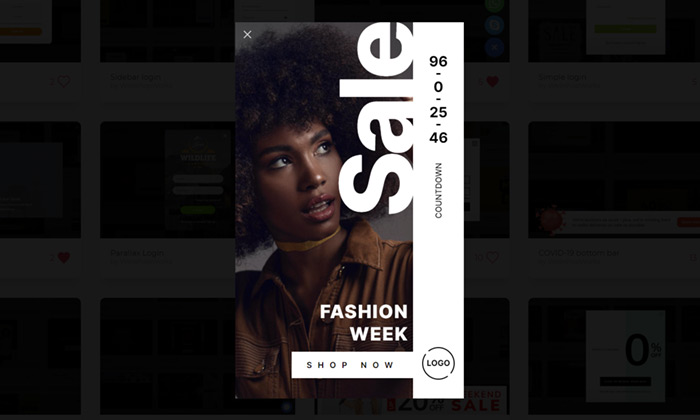
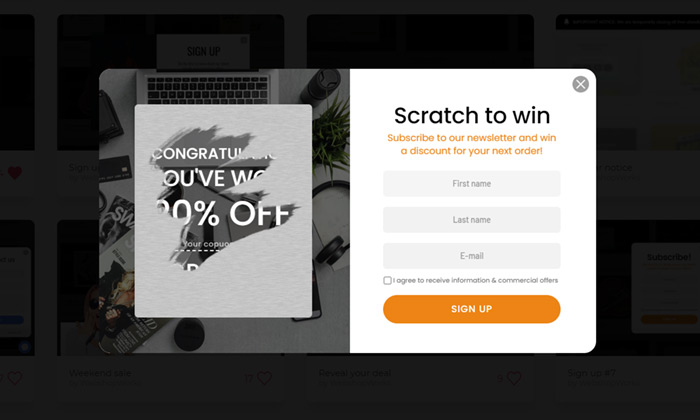
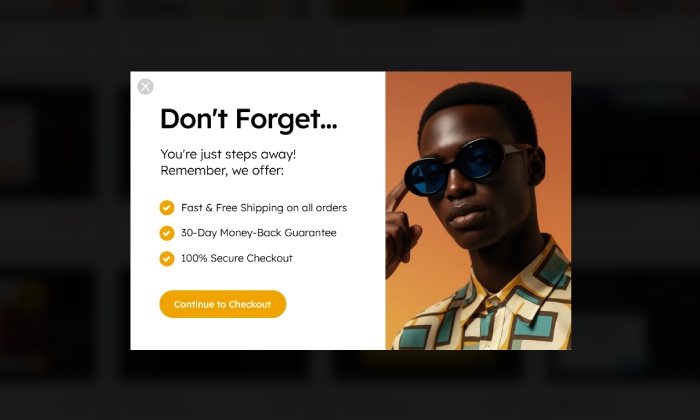
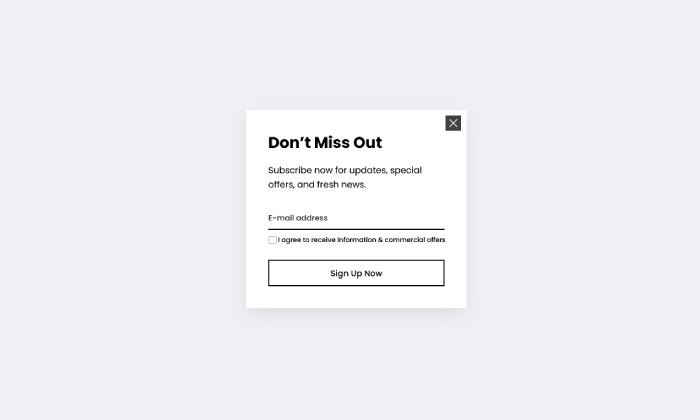
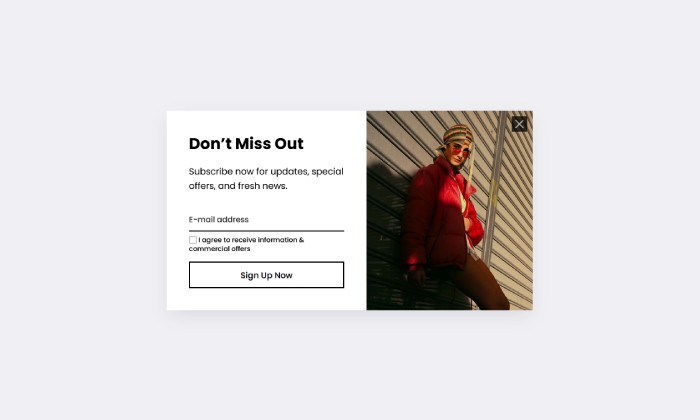
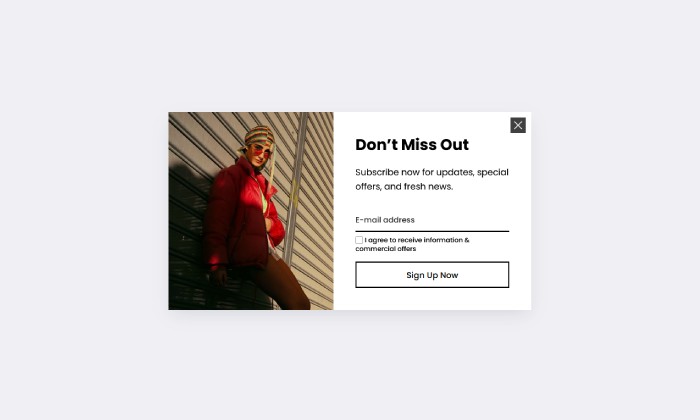
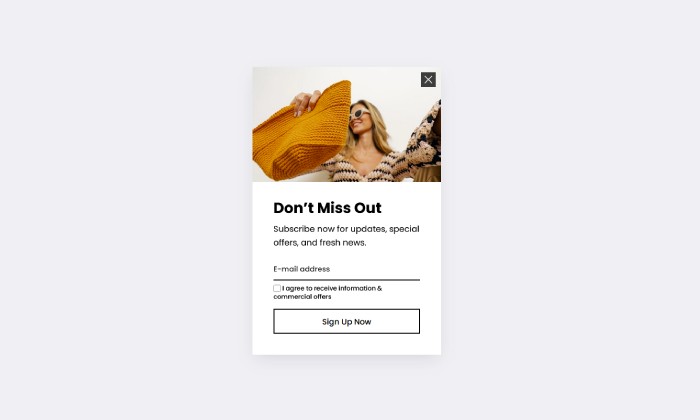
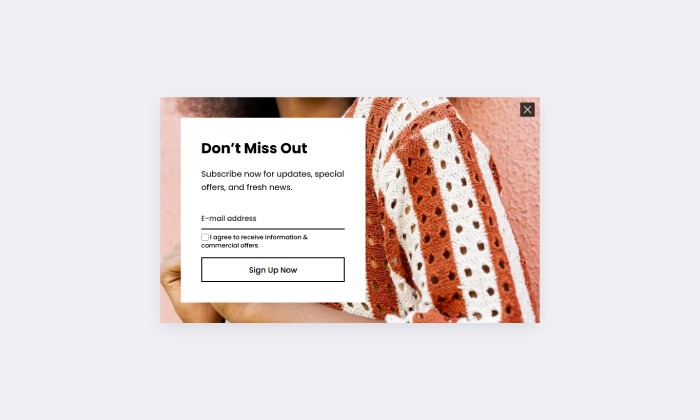
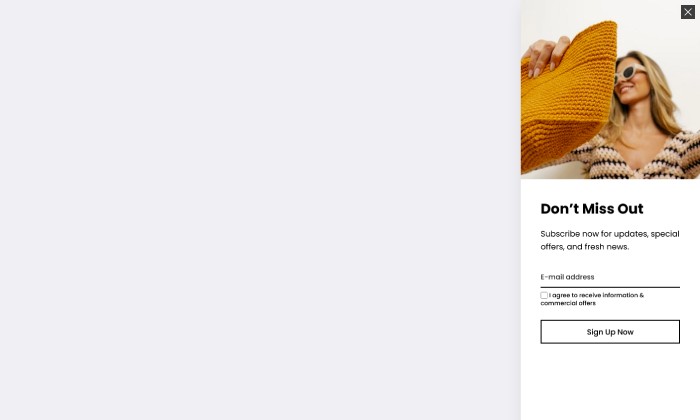
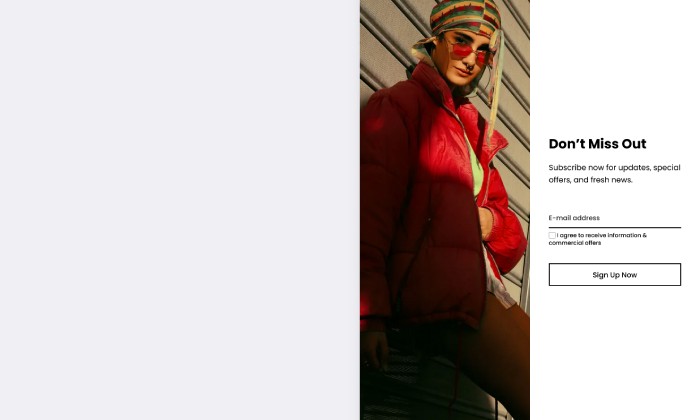
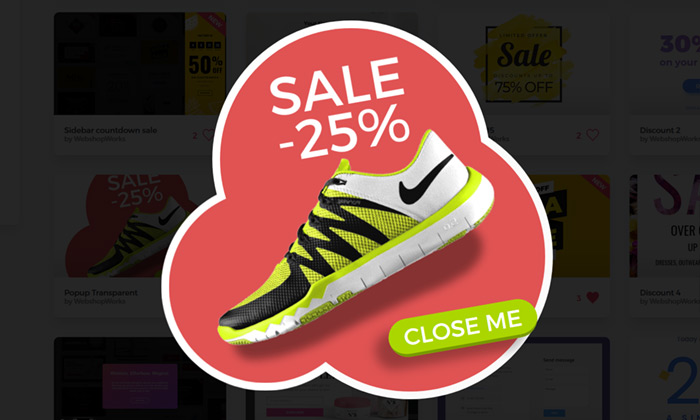
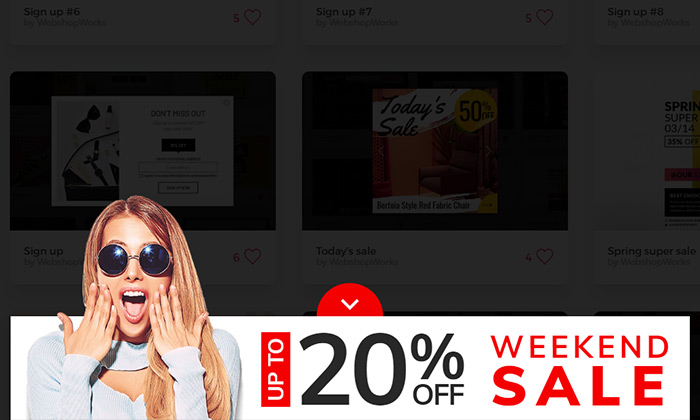
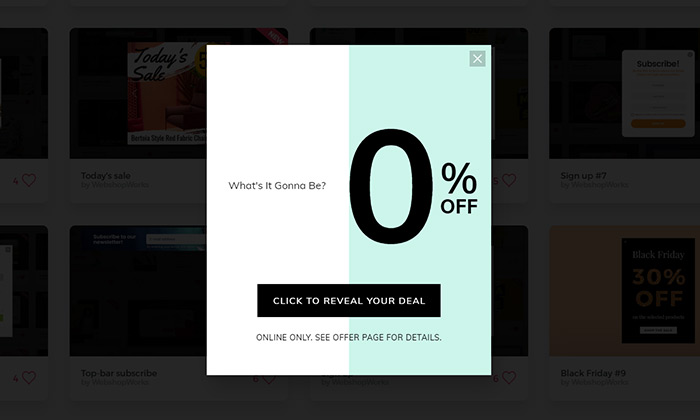
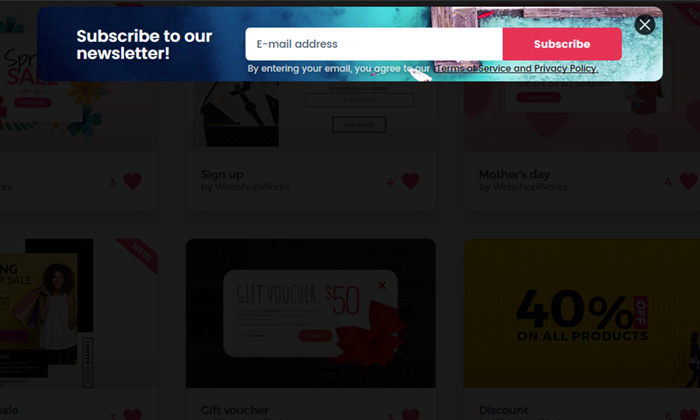
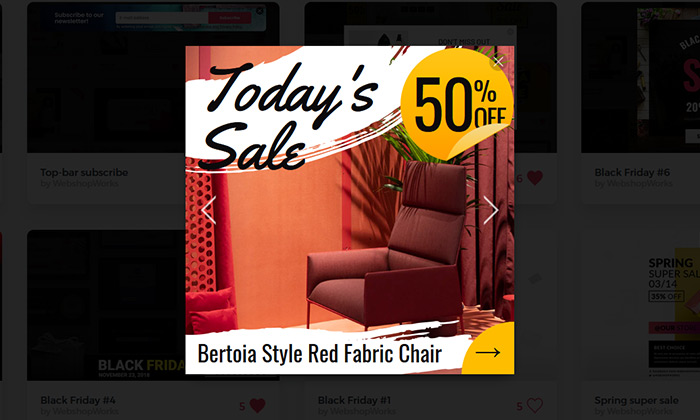
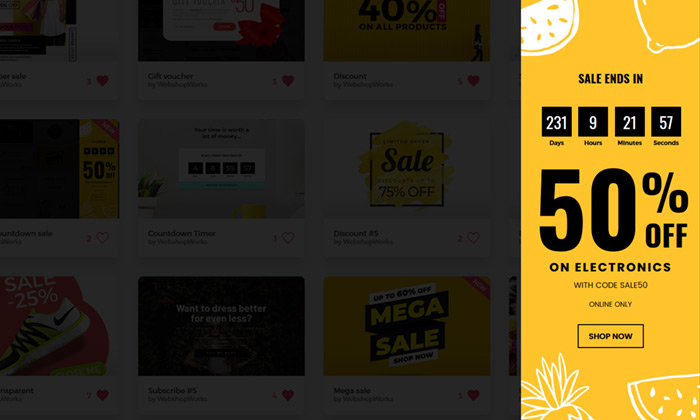
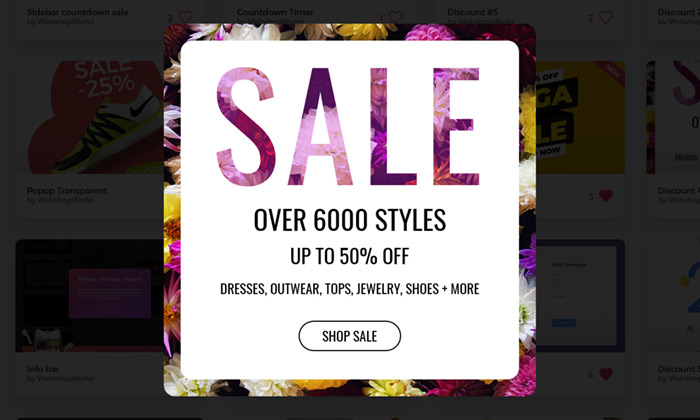
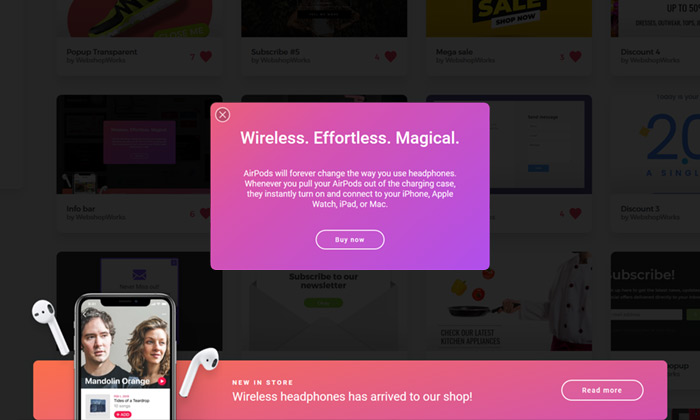
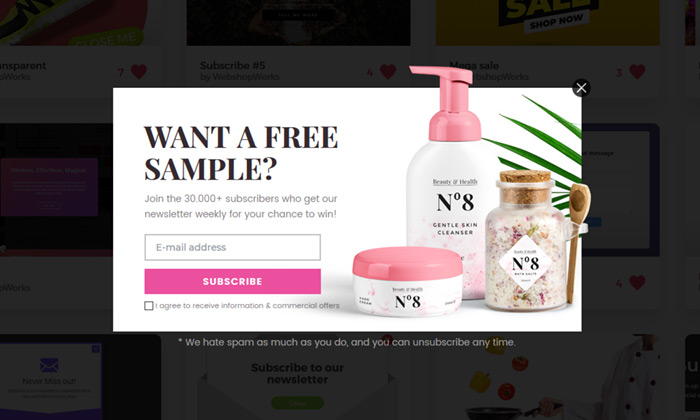
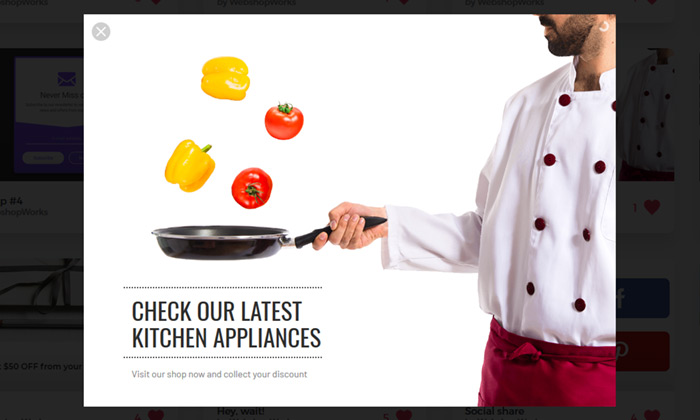
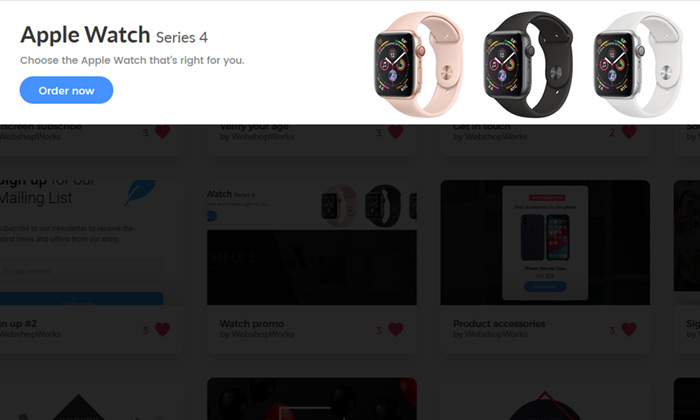
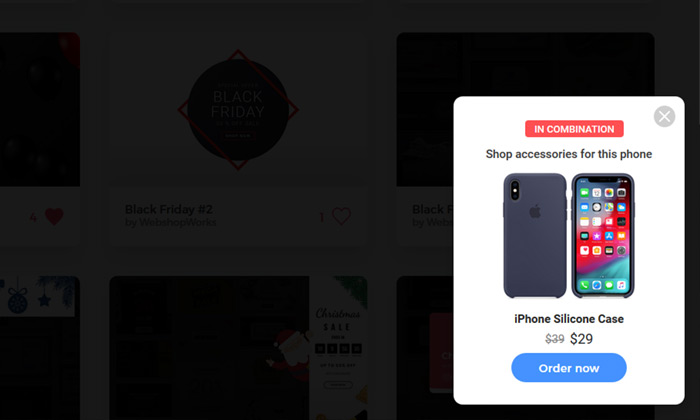
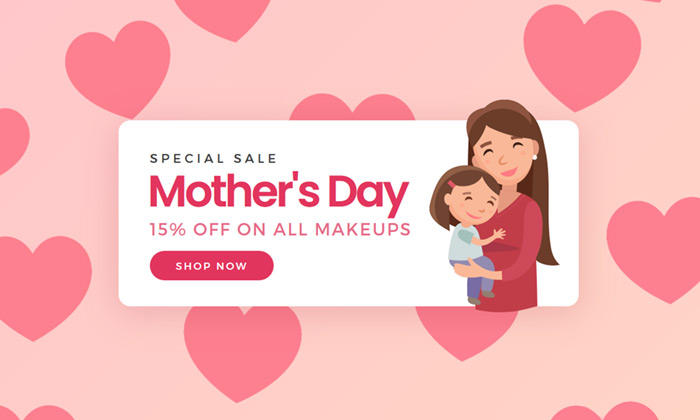
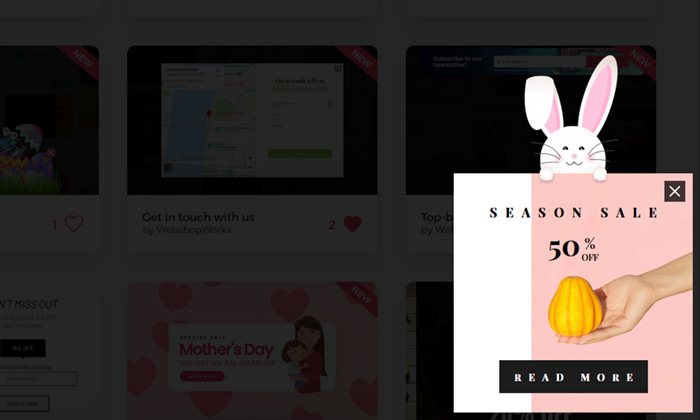
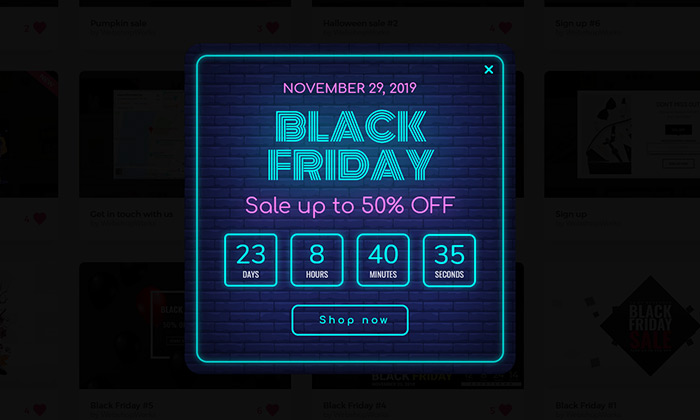
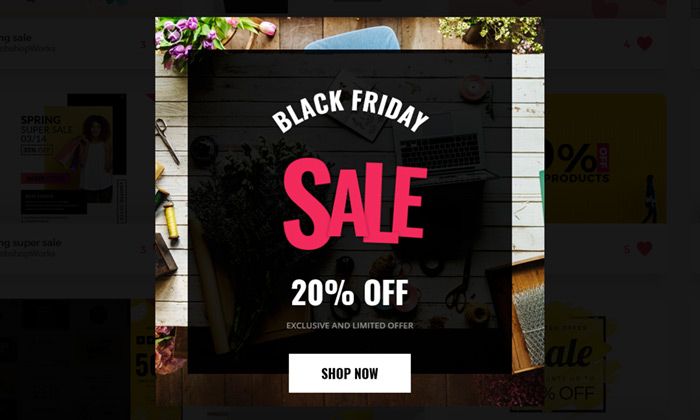
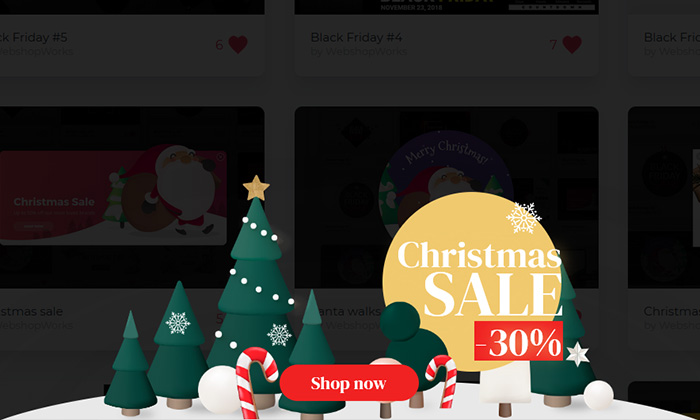
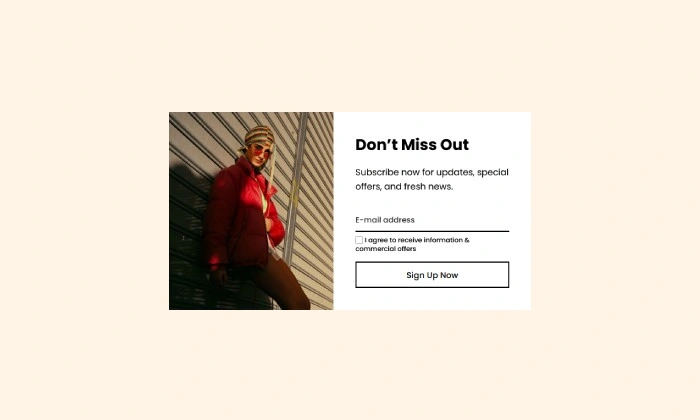
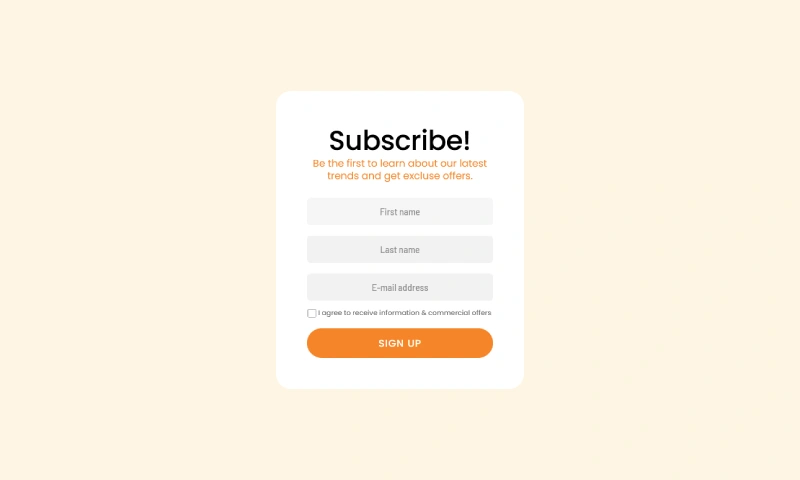
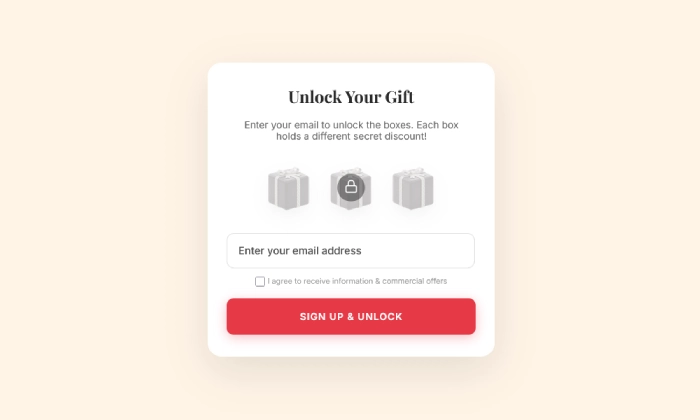
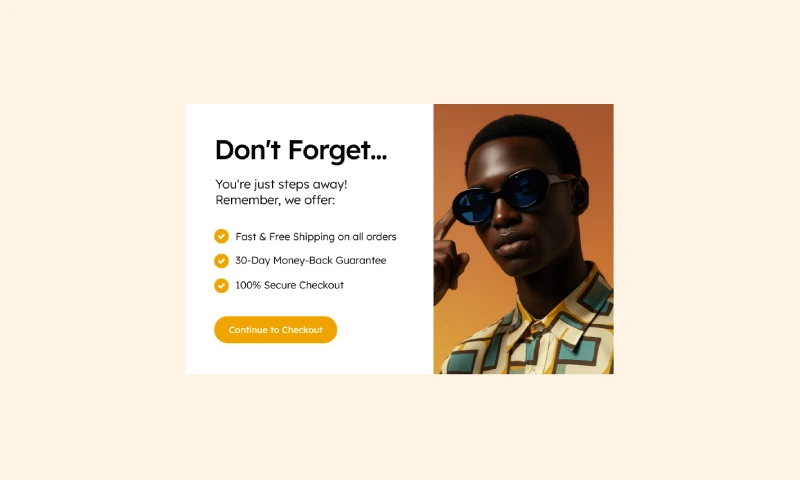
Why start from a blank page? Our template library is packed with professionally designed, conversion-focused layouts ready for your PrestaShop store.
NEW
NEW
NEW
NEW
NEW
NEW
NEW
NEW
Explore More Ways to Engage Visitors
VIP Offer Popup
Reward your best customers with exclusive deals Increase loyalty and drive repeat sales by showing s…
Read more »
Brevo Newsletter Popup
Sync new subscribers from your PrestaShop store directly to your Brevo email lists and automation wo…
Read more »
Newsletter Signup Popup
Convert more traffic into valuable subscribers with an effective and user-friendly newsletter popup …
Read more »
Spin To Win Popup
Turn shopping into a fun experience with a "Spin to Win" wheel that offers instant discounts and dri…
Read more »
Mystery Gift Popup
Delight new visitors with a fun 'pick a box' game that sparks curiosity, captures emails, and drives…
Read more »
WhatsApp Live Chat Popup
Provide real-time support and build relationships by allowing visitors to chat with you directly on …
Read more »