Boost Engagement and Grow Your List with a Mystery Gift Game

Delight new visitors with a fun 'pick a box' game that sparks curiosity, captures emails, and drives first-time sales

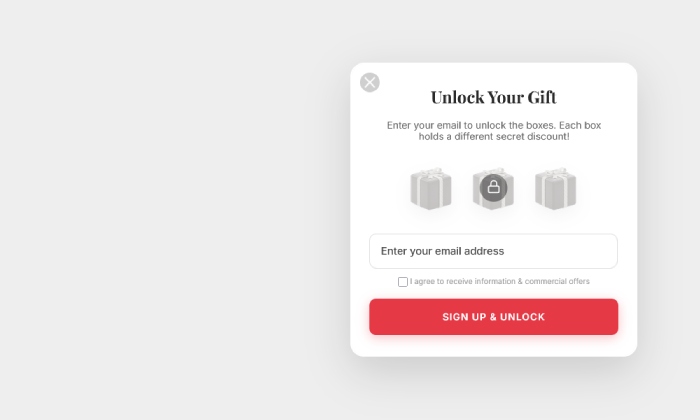
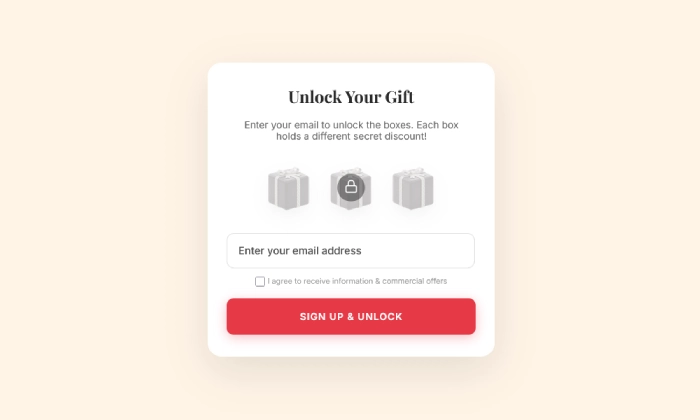
An example of an engaging and interactive mystery gift popup, used to grow an email list and drive sales with a fun 'pick a box' game.
Click to Try

Did You Know?

Interactive content generates 2x more conversions than static content. A mystery choice is a powerful way to get visitors to engage, making them feel like they've earned their reward and more likely to use it.

Boost Your Store with Smart Popups

Unlock ready-made strategies and implement high-converting popups instantly.

When to use a Mystery Gift Popup?

A Mystery Gift popup is a highly engaging list-building tool. It turns a standard subscription form into an exciting game of choice. By asking visitors to "pick their lucky box" to reveal a secret discount, you create a powerful sense of curiosity and fun that leads to higher conversion rates.

This is the perfect popup to:

  • Rapidly grow your email list in a fun and memorable way.
  • Increase visitor engagement and reduce bounce rates.
  • Drive first-time sales by providing a rewarding discount experience.
  • Make a positive, lasting first impression on new visitors.

How to set up the campaign?

The key is to create the different prizes first, and then link each "mystery box" to a page that reveals one of the prizes.

Step 0: Create your coupon codes in PrestaShop

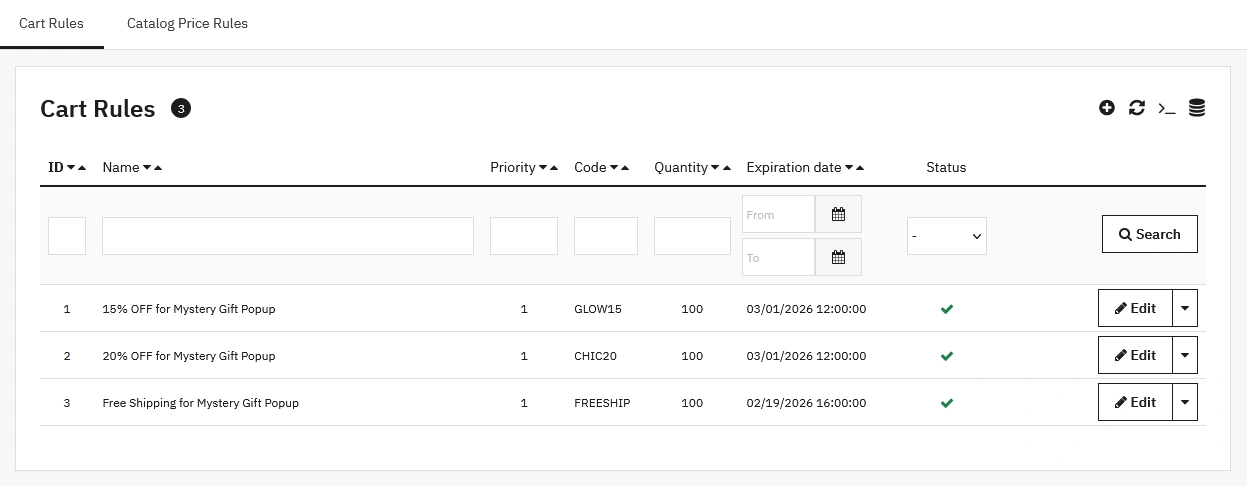
Before designing the popup, you must create a separate coupon code for each potential prize. For example, if your boxes hide a 20% discount, a 15% discount, and Free Shipping, you'll need three separate Cart Rules.

  1. Navigate to Catalog > Distounts > Cart Rules in your back office and click Add new cart rule.
  2. Create your codes. For example: CHIC20 for 20% off, GLOW15 for 15% off, and FREESHIP for free shipping.
  3. Click Save. Your coupon codes are now ready.
A screenshot of the PrestaShop 'Cart Rules' page, showing the newly created coupon codes for each potential prize in the mystery gift popup, such as 20% off, 15% off, and Free Shipping.

Step 1: Create your popup

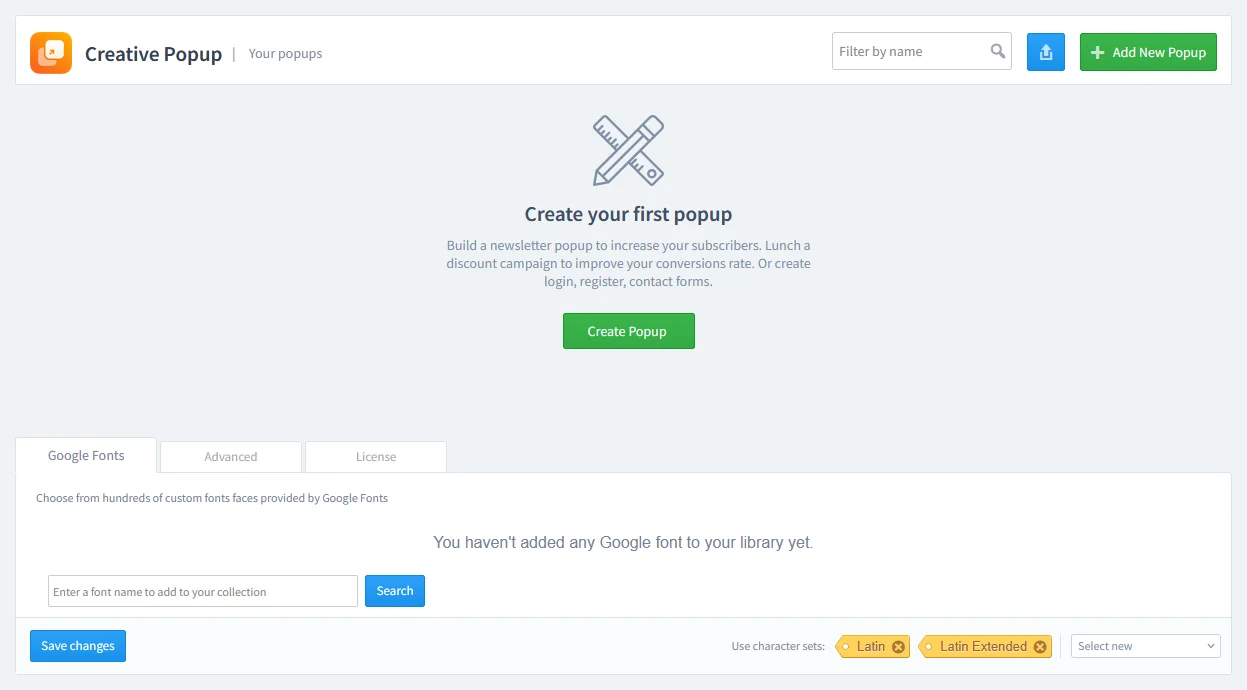
Go to Creative Popup > Popups and create a new popup.

The Creative Popup dashboard in PrestaShop, showing the starting screen to create a new popup campaign.

Our template library has pre-made "Mystery Gift" templates that are ready to customize.

Step 2: Design your popup

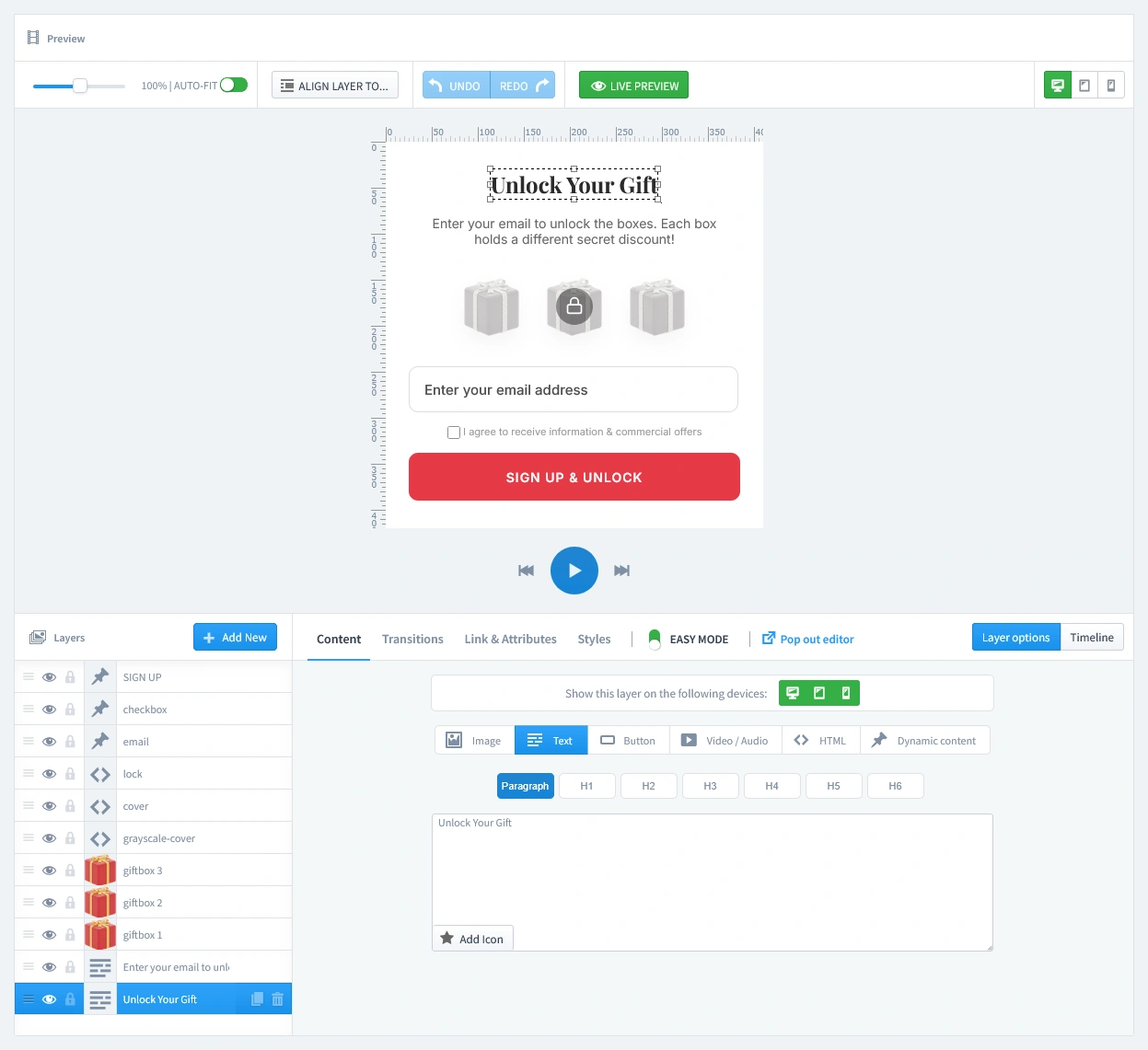
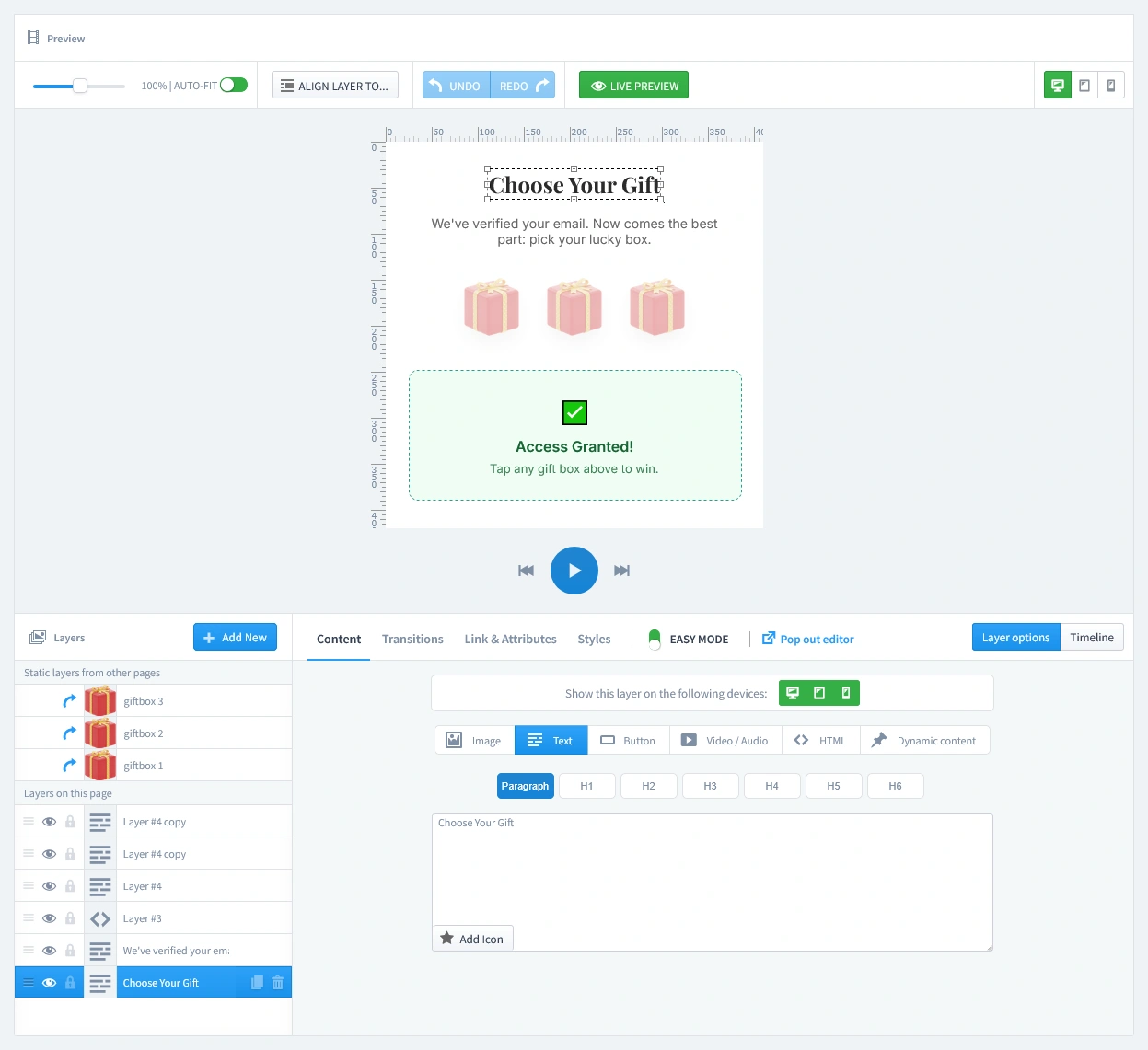
This campaign uses multiple pages to create the full experience.

  • The First Page ("Unlock Your Gift"): This is where the visitor enters their email to "play." Customize the text to build curiosity, like "Enter your email to unlock the secret boxes!".
  • The Second Page ("Choose Your Gift"): This page appears after the email is submitted. It confirms their access and prompts them to make a choice, for example: "Access Granted!"
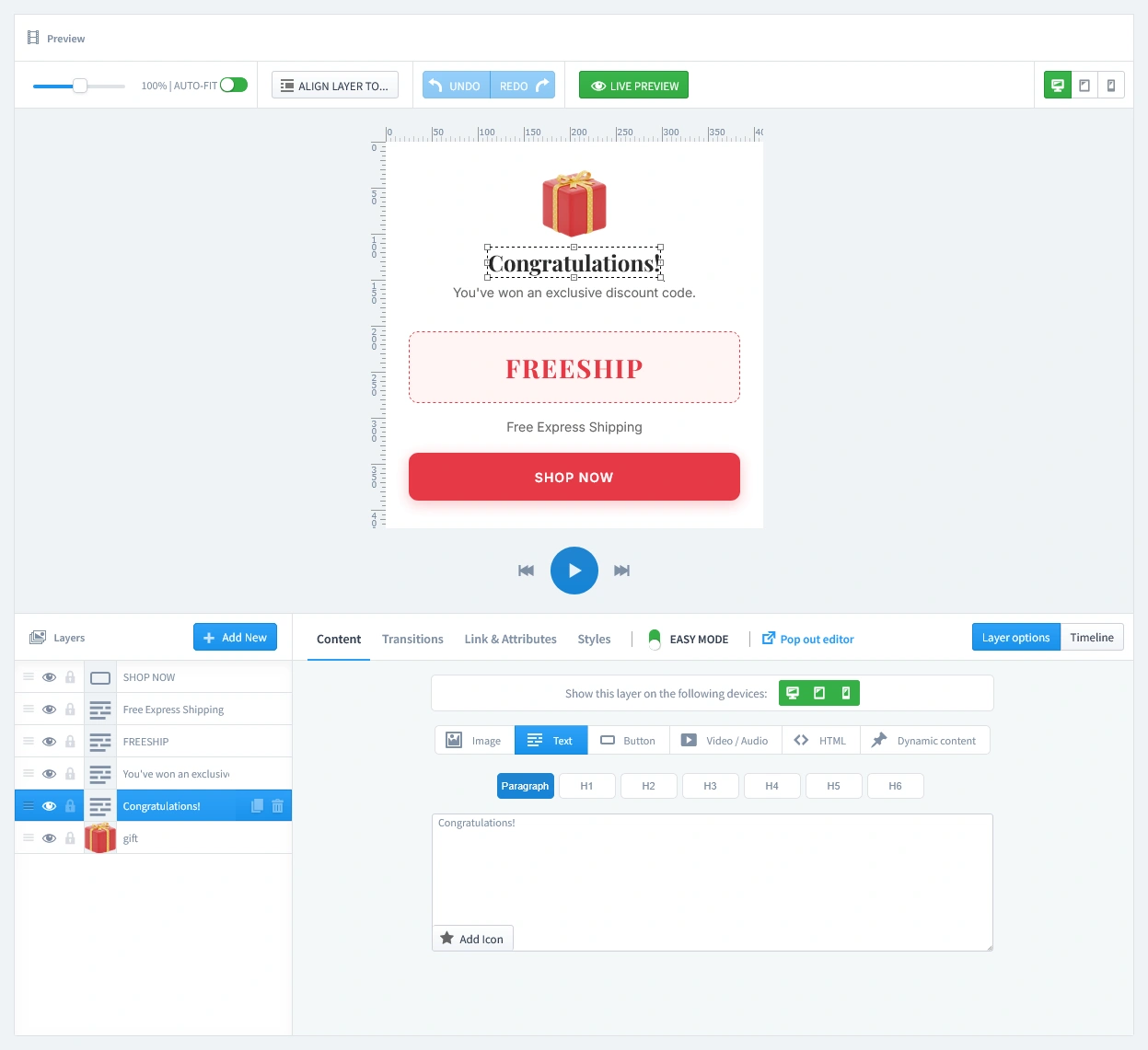
  • The Reward Pages (Gift #1 - #3): In the editor, you will see additional tabs labeled "Gift #1" through "Gift #3". Each of these tabs is a separate page that corresponds to a gift box.
    • Click on each "Gift" tab one by one.
    • On this page, you must display the corresponding coupon code you created in Step 0. For example, on the page for the "20% OFF" prize, make sure you add the CHIC20 code and encouraging text like "Congratulations!".
    • Repeat this process for all gift tabs.
Icon of the Spam Protection - Invisible reCaptcha module for blocking spam bots
Pro-Tip: Keep Your Email List Clean from Spam

Don't let spam bots fill your database with fake entries. Protect your form by adding a layer of security with our reCAPTCHA Module. It integrates with PrestaShop to block bots without annoying real customers.

Step 3: Set Triggers

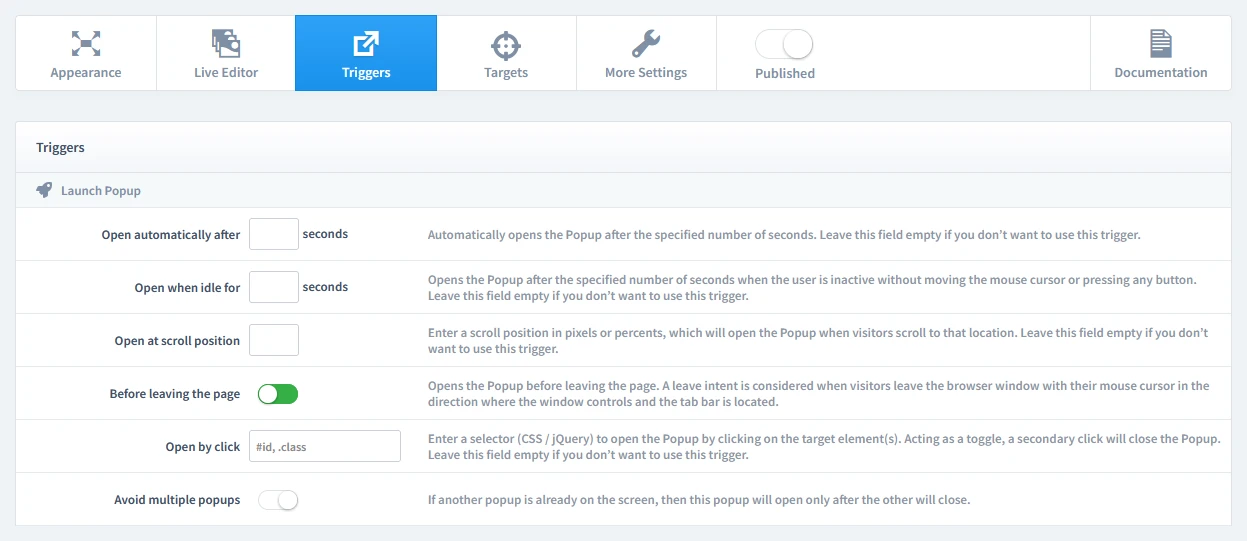
In this step, we'll set the rules for when your popup appears. Let's begin by clicking on the Triggers tab.

1. Launch Popup

You have several powerful options, but for this campaign, select Before leaving the page (Exit-Intent). It's a perfect "last chance" to engage a visitor with a fun activity before they go. A Timed Delay (after 7-10 seconds) is also a great choice.

The 'Triggers' tab in the popup settings, highlighting the 'Before leaving the page' option to enable the exit-intent trigger.

2. Repeat Control

For this type of exclusive offer, it's crucial that a visitor only sees it once. To achieve this, start by enabling the "Prevent reopening" parameter. This setting prevents the popup from appearing again. We will combine this with a rule on the Targets tab to ensure it only appears once for each first-time visitor.

Configuring the 'Repeat Control' settings to prevent the popup from appearing again, with 'Prevent reopening' enabled.

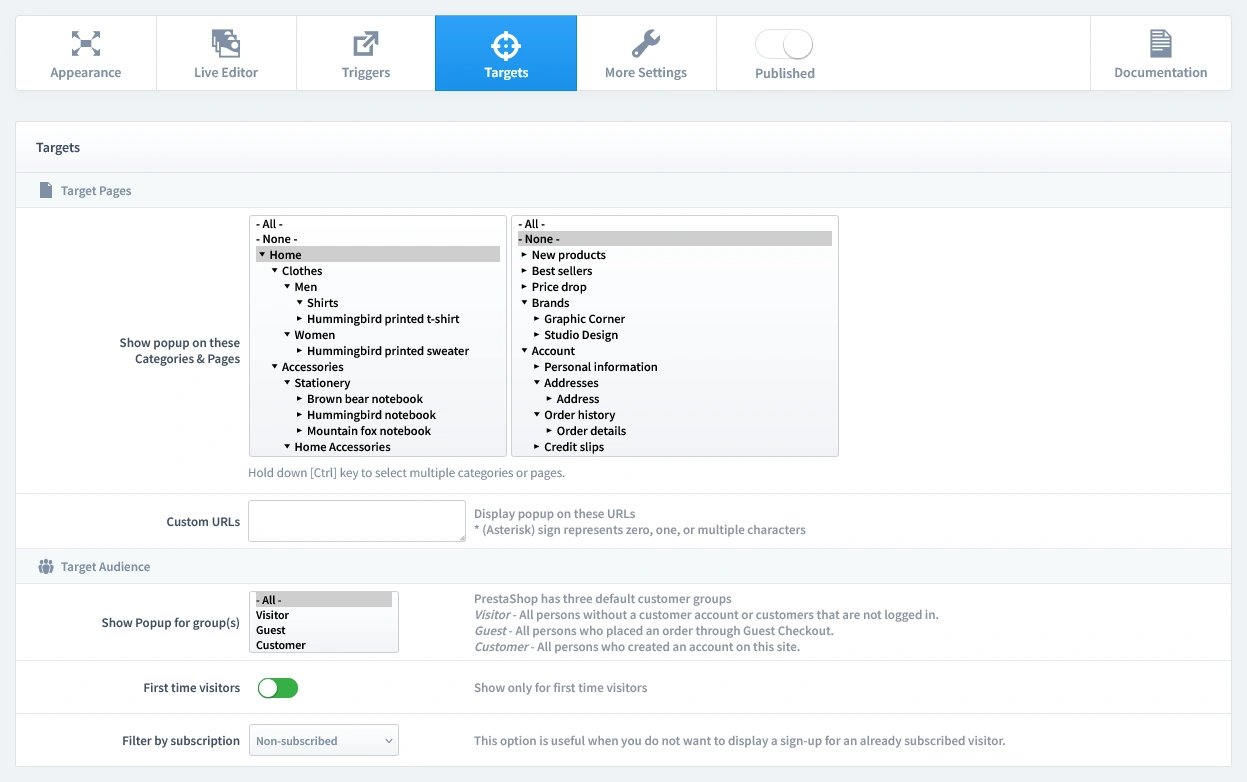
Step 4: Set Targets

Now that we've set when the popup appears, it's time to define who sees it and on which pages. Let's begin by clicking on the Targets tab.

  • Target Pages: For a powerful welcome offer, we recommend showing this popup on your Homepage.
  • Target Audience: This is an acquisition tool. Configure the audience to show this popup to First-time visitors only and ensure you Filter by Subscription to hide it from users who are already subscribed.
Configuring the targets for a PrestaShop mystery gift popup: selecting the Homepage and filtering the audience for first-time, non-subscribed users.

Step 5: Publish your campaign

Once you're satisfied with your design, triggers, and targets, it's time to go live.

  1. Navigate to the top of the editor and find the "Published" switch.
  2. Click the switch to turn it green.
  3. Make sure to click the Save button in your editor to apply all your changes.
The main settings bar in the Creative Popup editor, with the 'Published' switch toggled on to activate the campaign.

That's it! Your campaign is now live and ready to start boosting conversions on your store.

Don't have the module yet?

Start putting this strategy to work on your PrestaShop store.

Choose a Design and Go Live in Just a Few Clicks

Why start from a blank page? Our template library is packed with professionally designed, conversion-focused layouts ready for your PrestaShop store.

Mystery Gift
Mystery Gift

by WebshopWorks

NEW
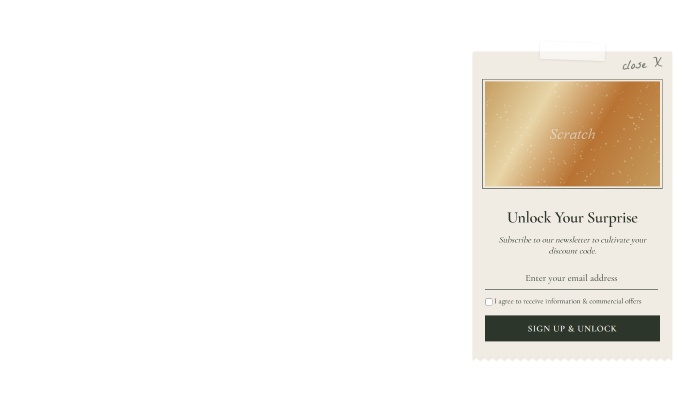
Organic scratch card

by WebshopWorks

NEW
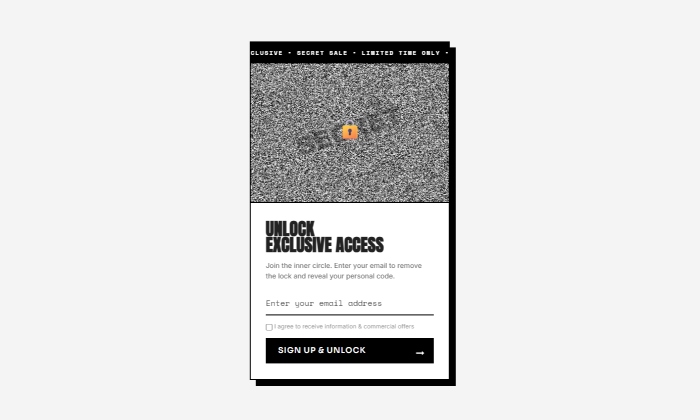
Brutalist scratch card

by WebshopWorks

NEW
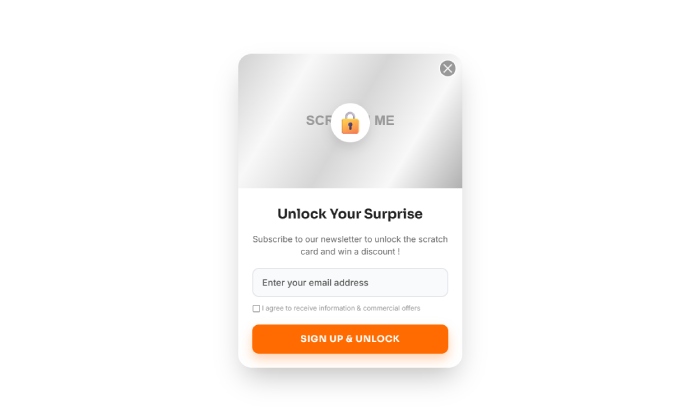
Scratch card
Scratch card

by WebshopWorks

NEW
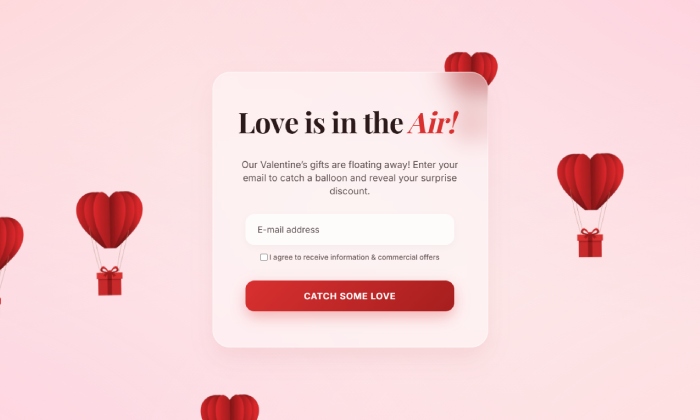
Love is in the air
Love is in the air

by WebshopWorks

NEW
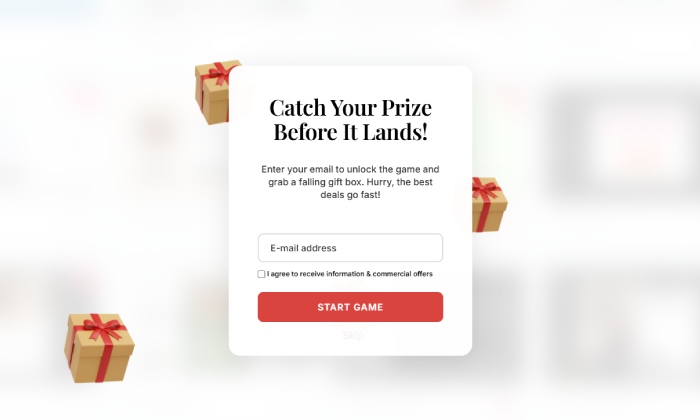
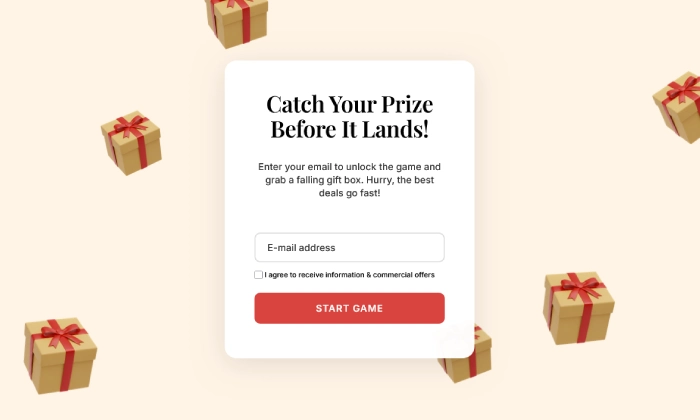
Simple falling gifts

by WebshopWorks

NEW
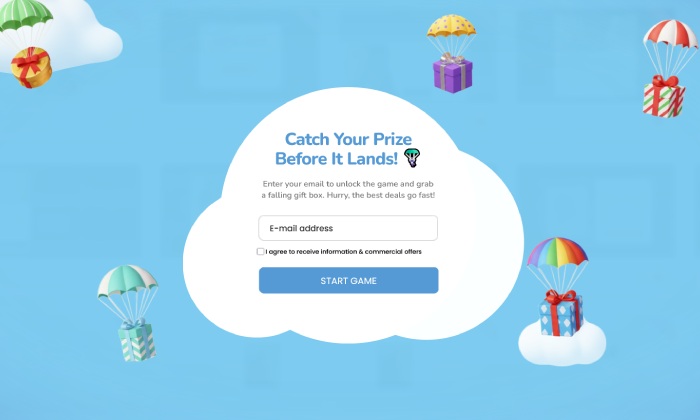
Falling gifts
Falling gifts

by WebshopWorks

NEW
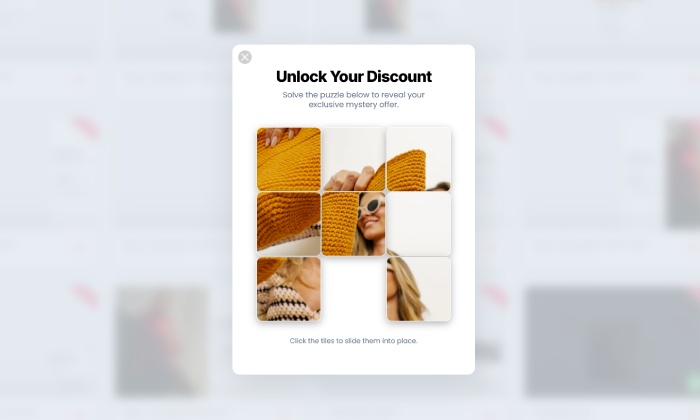
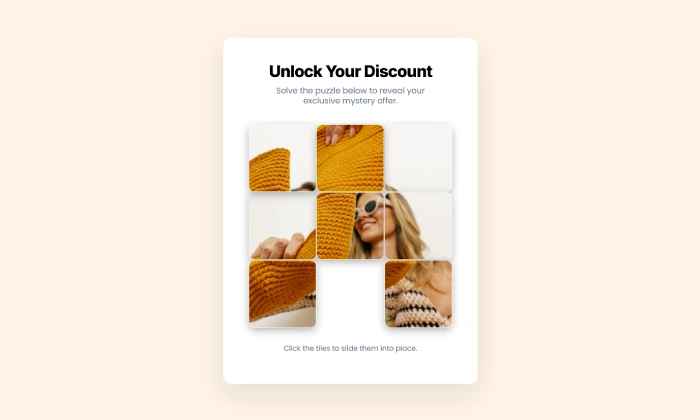
Puzzle discount
Puzzle discount

by WebshopWorks

NEW
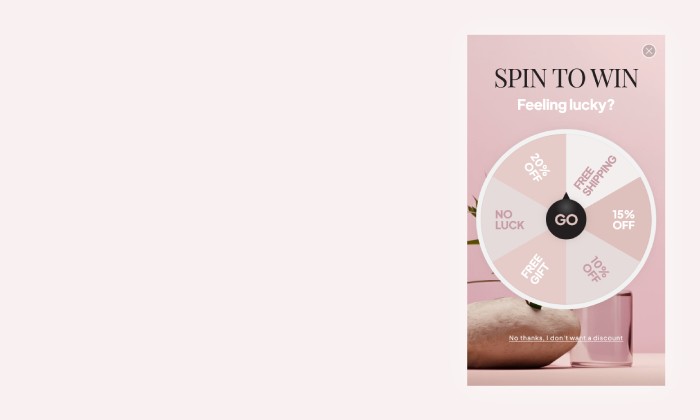
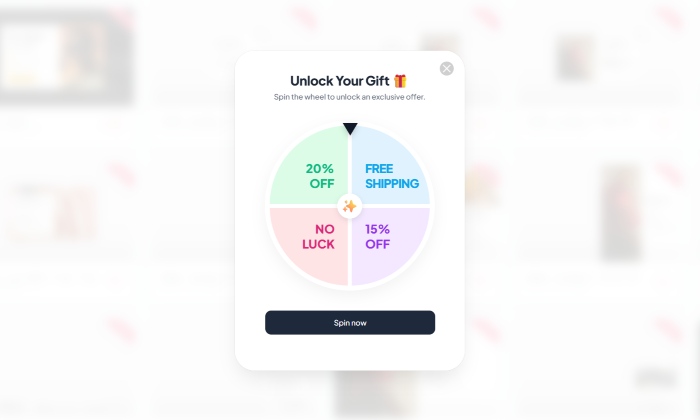
Elegant spin to win
Elegant spin to win

by WebshopWorks

NEW
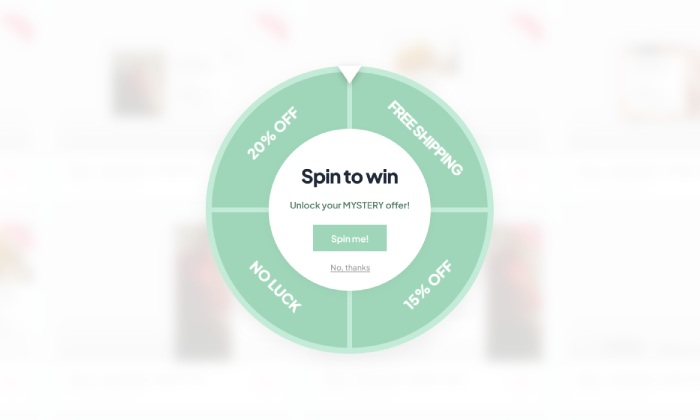
Minty spin
Minty spin

by WebshopWorks

NEW
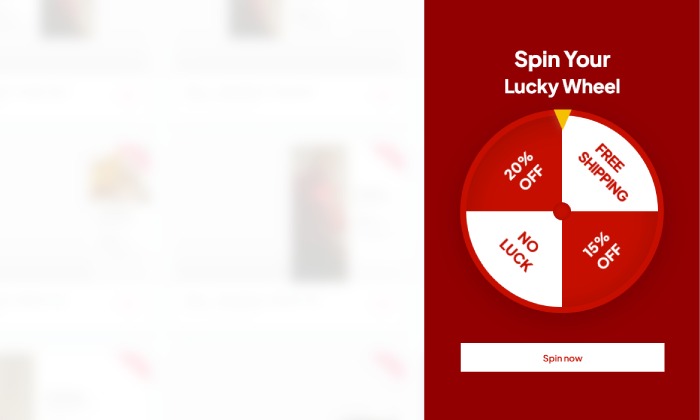
Spin and win sidebar

by WebshopWorks

NEW
Spin and win
Spin and win

by WebshopWorks

NEW
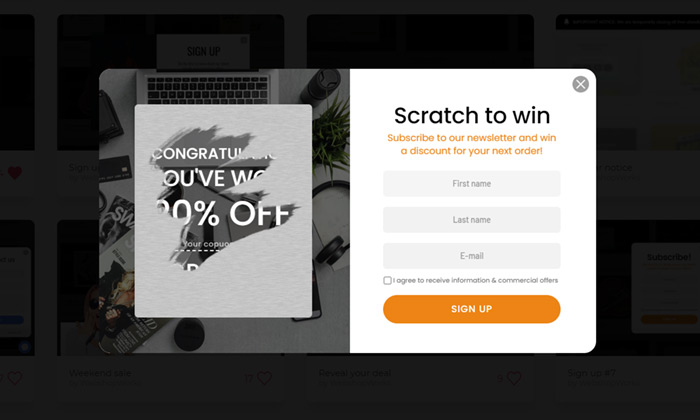
Scratch to win
Scratch to win

by WebshopWorks

Halloween gifts
Halloween gifts

by WebshopWorks

Explore More Ways to Engage Visitors