A Fresh Way to Engage Visitors and Grow Your List
Stand out from the crowd and delight visitors with a fun, interactive game where they catch a falling gift to win a prize.
Did You Know?
Visuals with motion are up to 80% more effective at capturing visitor attention than static images. A dynamic game like "Falling Gifts" is a powerful way to cut through the noise and engage your audience.
Boost Your Store with Smart Popups
When to use a Falling Gifts Popup?
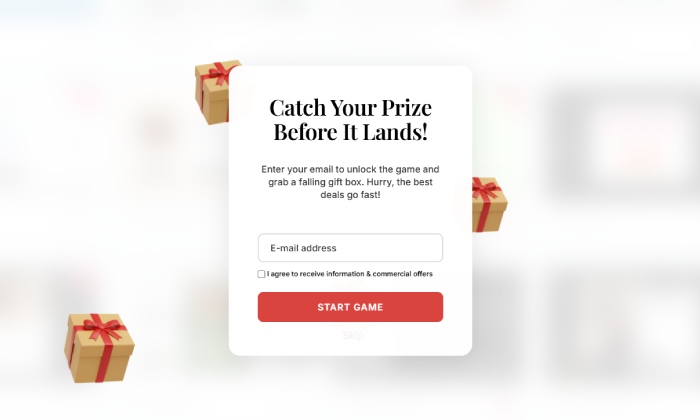
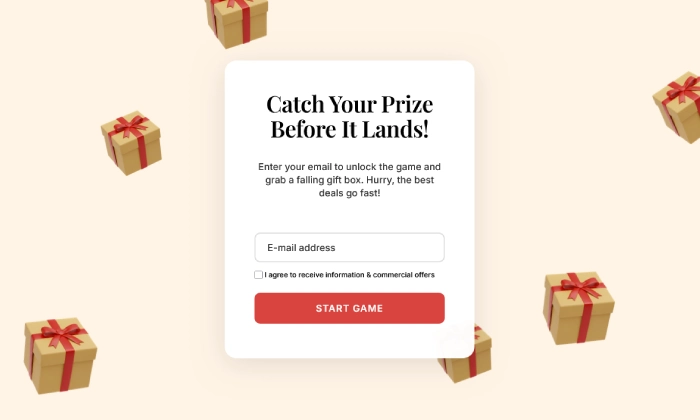
Tired of seeing the same spinning wheels on every website? The Falling Gifts popup is a fresh and exciting alternative. It turns the subscription process into a fun, multi-step game: first, the user subscribes to unlock the game, then they must click to "catch" a falling gift box to reveal their prize. This journey of action and surprise makes the experience highly memorable and engaging.
This is the perfect popup to:
- Stand out from competitors with a unique and modern interaction.
- Rapidly grow your newsletter list with highly engaged subscribers.
- Drive first-time sales with a fun, earned discount.
- Create a memorable and delightful brand experience.
How to set up the campaign?
We'll set up a multi-page popup that guides the user from subscribing to playing the game and claiming their prize.
Step 0: Create your coupon codes in PrestaShop
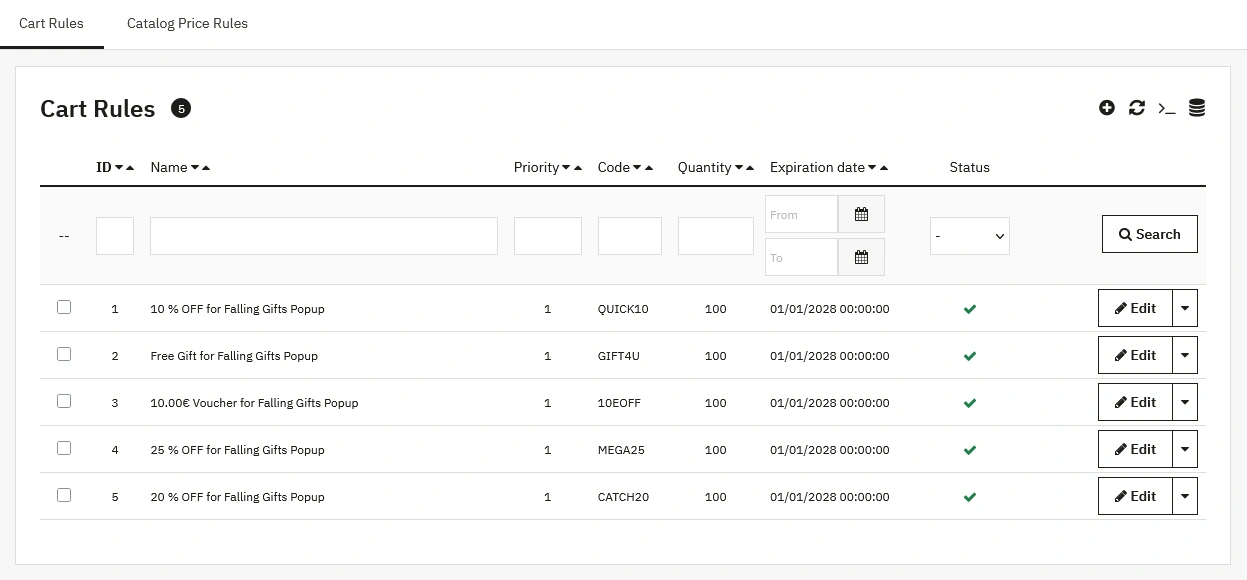
Before designing the popup, you must create the coupon codes that will be the "gifts" inside the boxes. If you have multiple prizes, create a Cart Rule for each one.
- Navigate to Catalog > Distounts > Cart Rules in your back office and click Add new cart rule.
- Create your code(s). For example: MEGA25 for 25% off.
- Click Save. Your coupon codes are now ready.
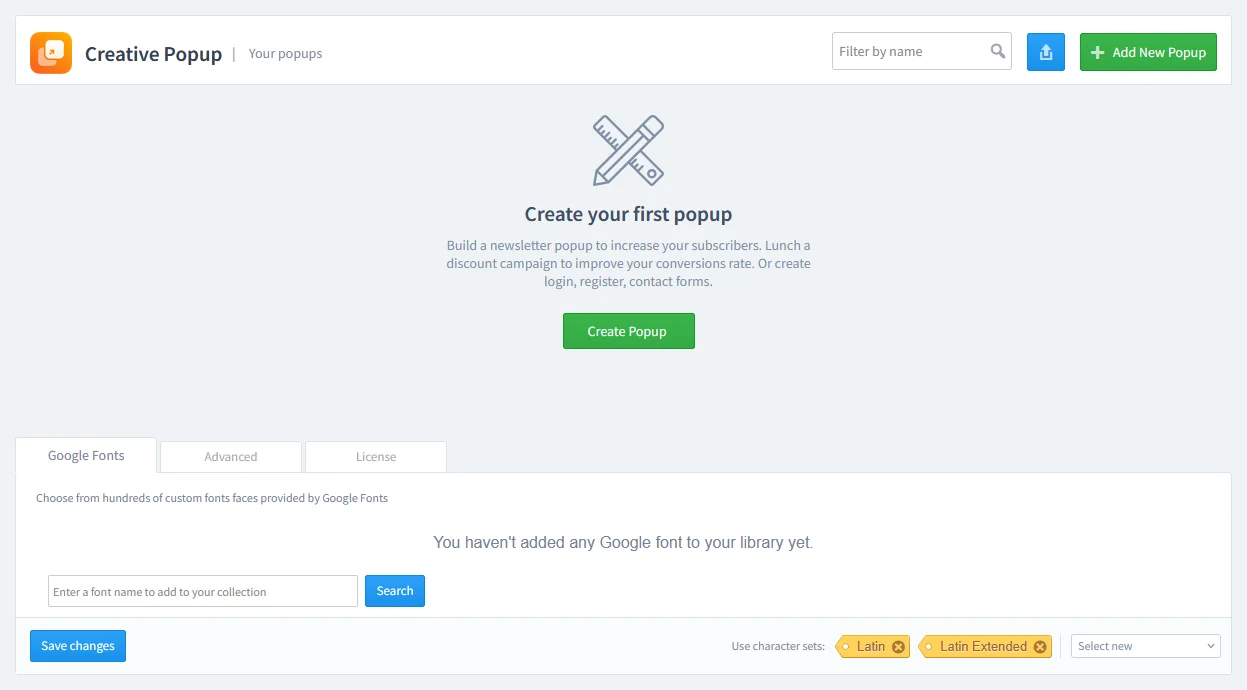
Step 2: Design your popup
This interactive campaign uses multiple pages. You will need to design each one in the editor.
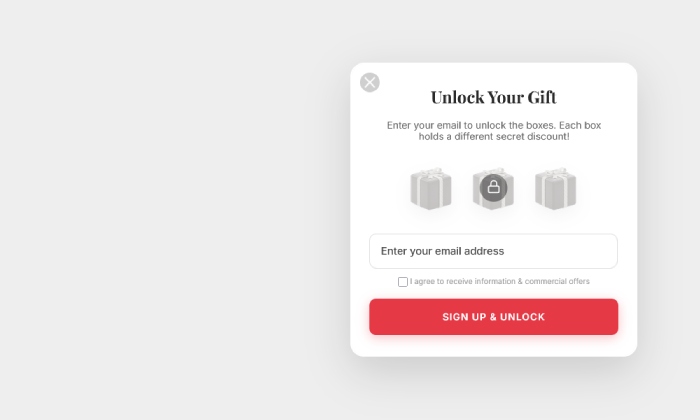
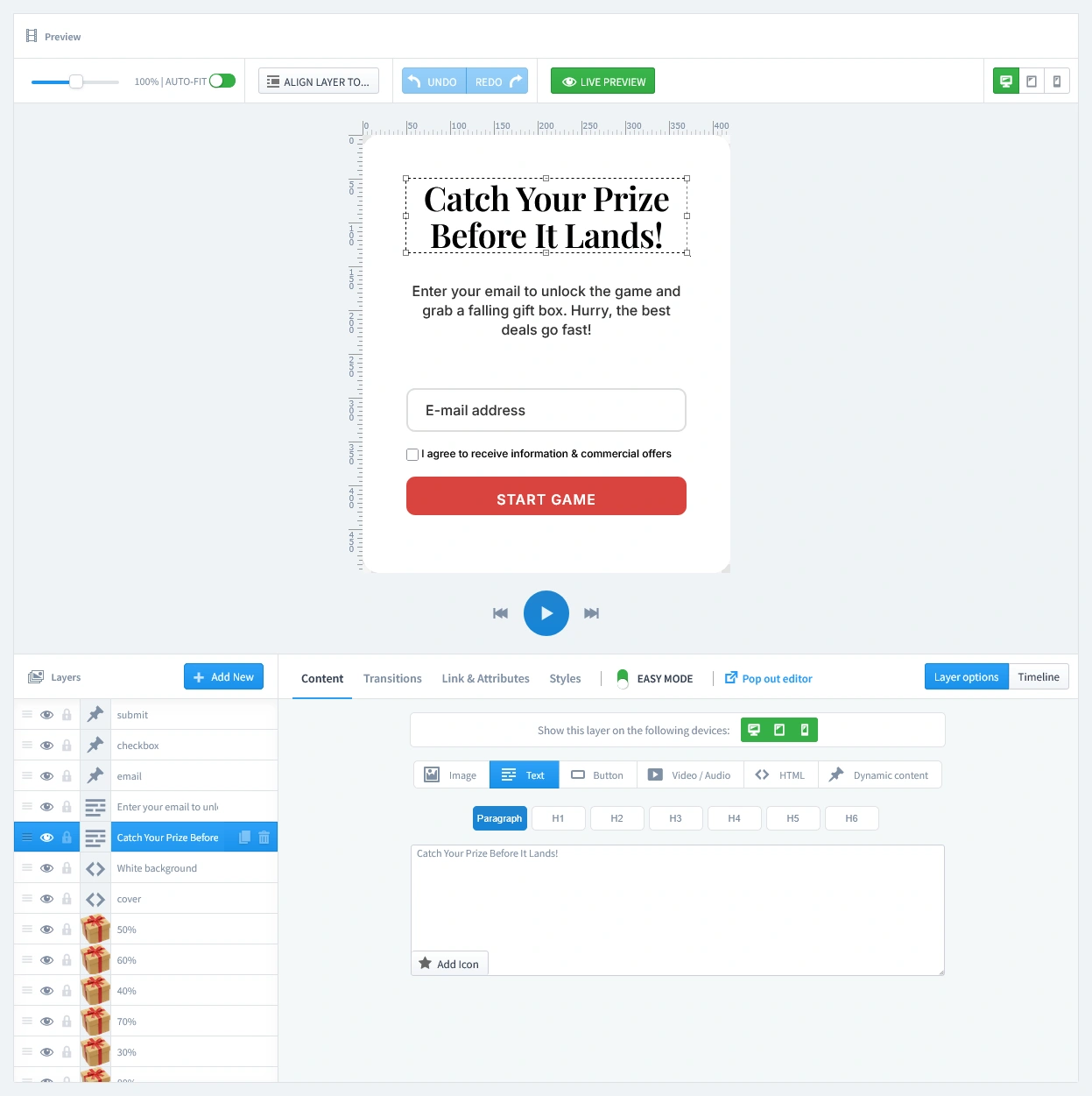
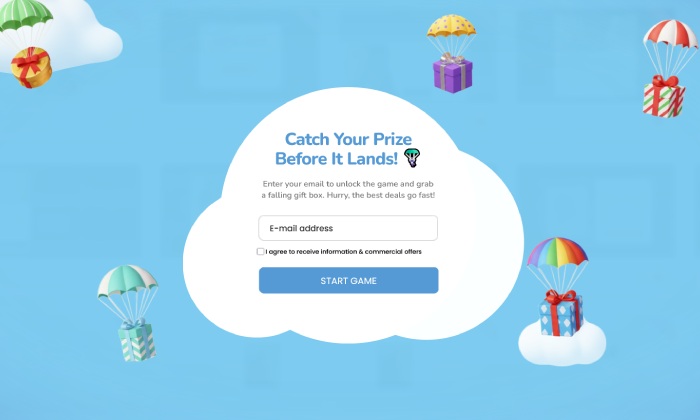
- The Email Capture Page (First Tab): This is the first thing your visitor sees. Here, you'll prompt the user to subscribe to unlock the game. Make sure the form has an email input field and a clear "Start Game" button. The successful subscription will automatically activate the falling gift boxes.
- The Game & The Gift Boxes (First Tab, continued): On this same initial page, you also control the falling gifts. You have 9 hidden gift boxes that start falling.
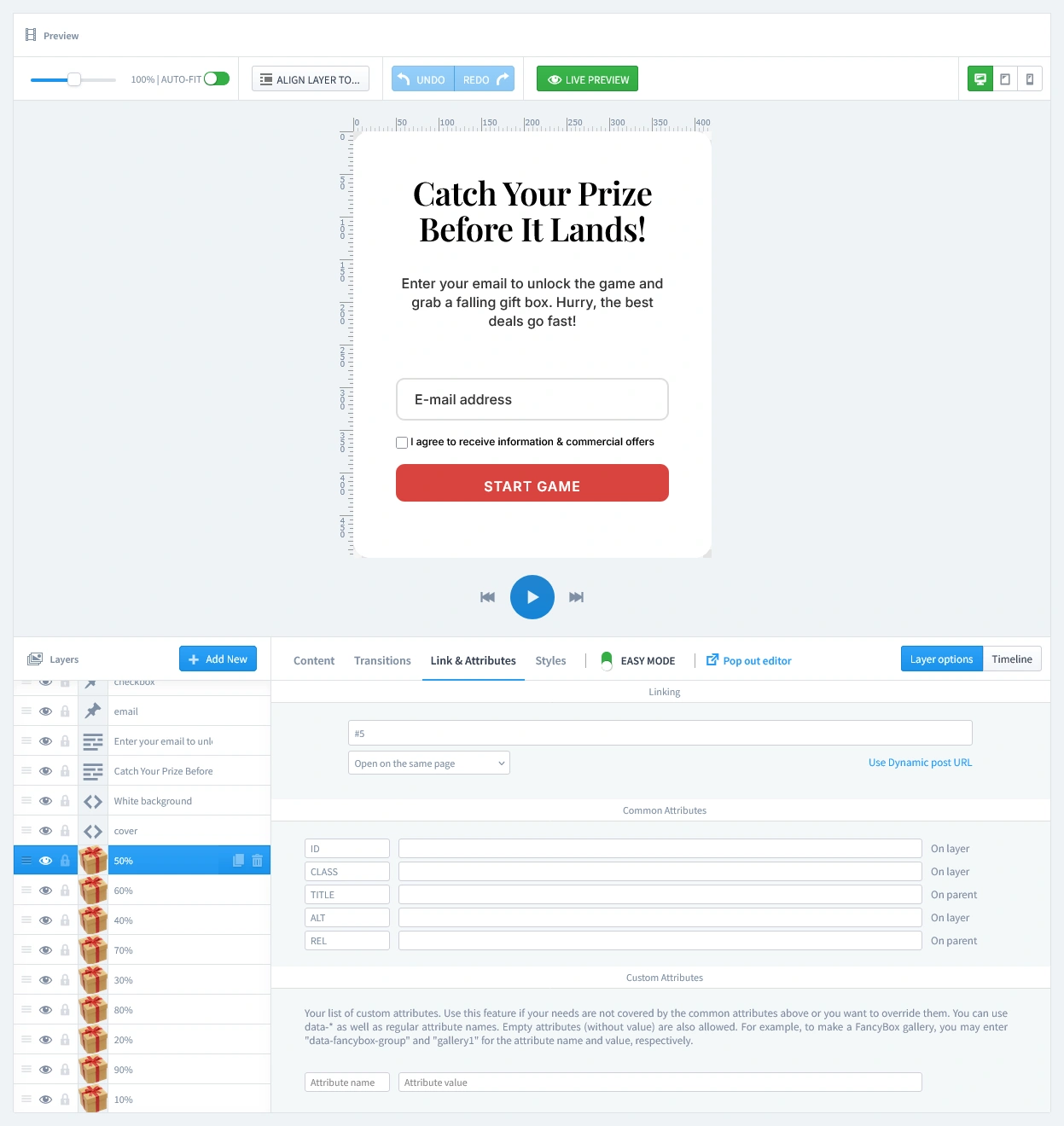
- Linking Prizes: Each box is linked to a specific "Gift" reward page. To change which box leads to which prize, select a box layer and go to the Link & Attributes tab. In the "Linking" field, you'll see a number like #3, #4, up to #7. These numbers correspond to the popup's page order (Page 1 is the subscription, Page 2 is the crosshair, so the prizes start at Page 3).
- Controlling Odds: If you want a specific prize to appear more often, simply assign its page link (e.g., #3) to multiple gift boxes!
- Mobile Optimization: To prevent overcrowding on small screens, every second gift box is hidden on mobile by default. You can check or change this by selecting a box layer, going to the Content tab, and looking at the "Show this layer on the following devices" section (Green means visible, gray means hidden).
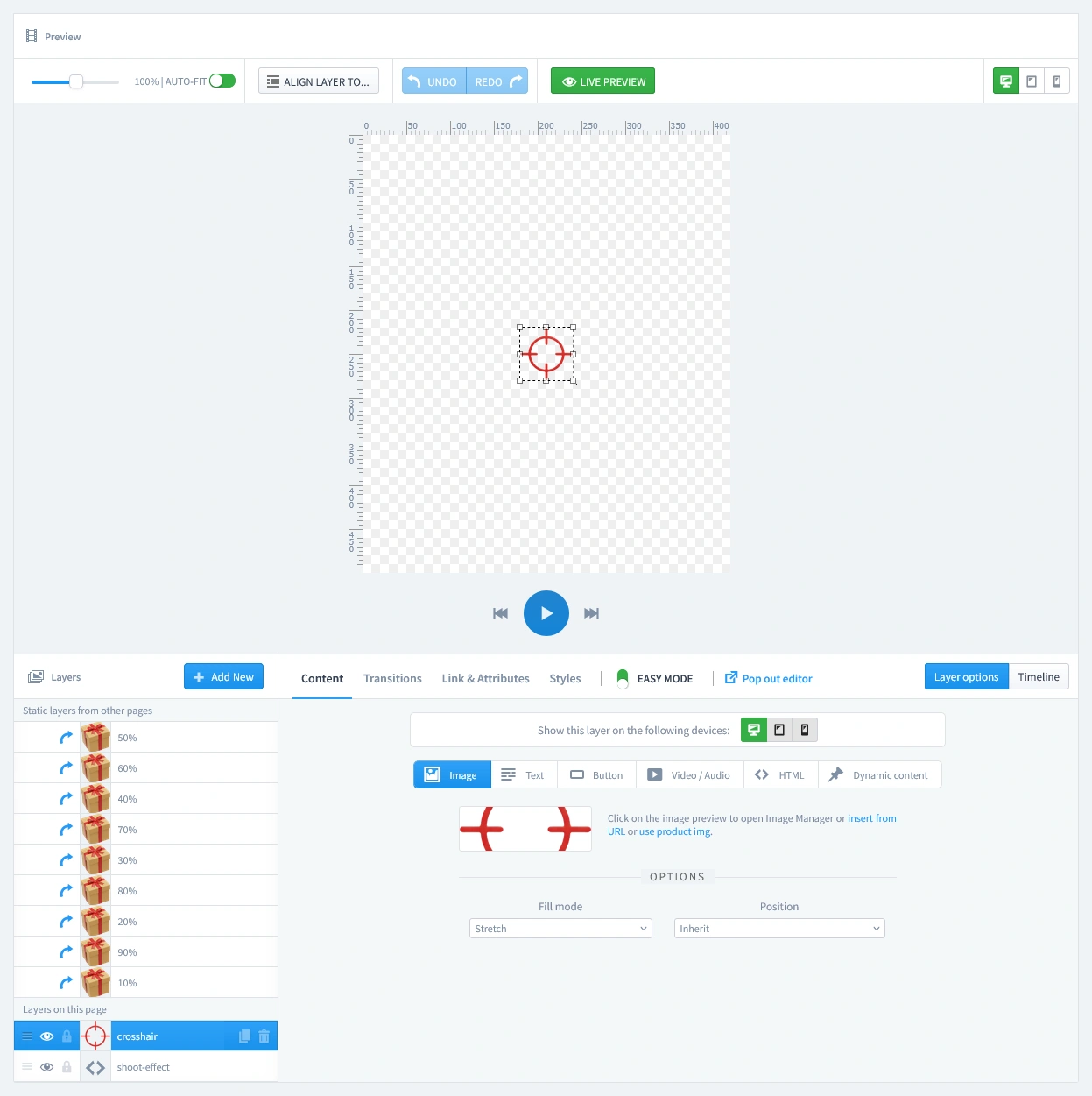
- The Crosshair Page (Second Tab): This page contains the crosshair (the aiming icon) that follows the user's cursor. You don't need to do anything here, as we've already set up the functionality! However, if you want to replace the crosshair image, make sure to use a transparent PNG or SVG.
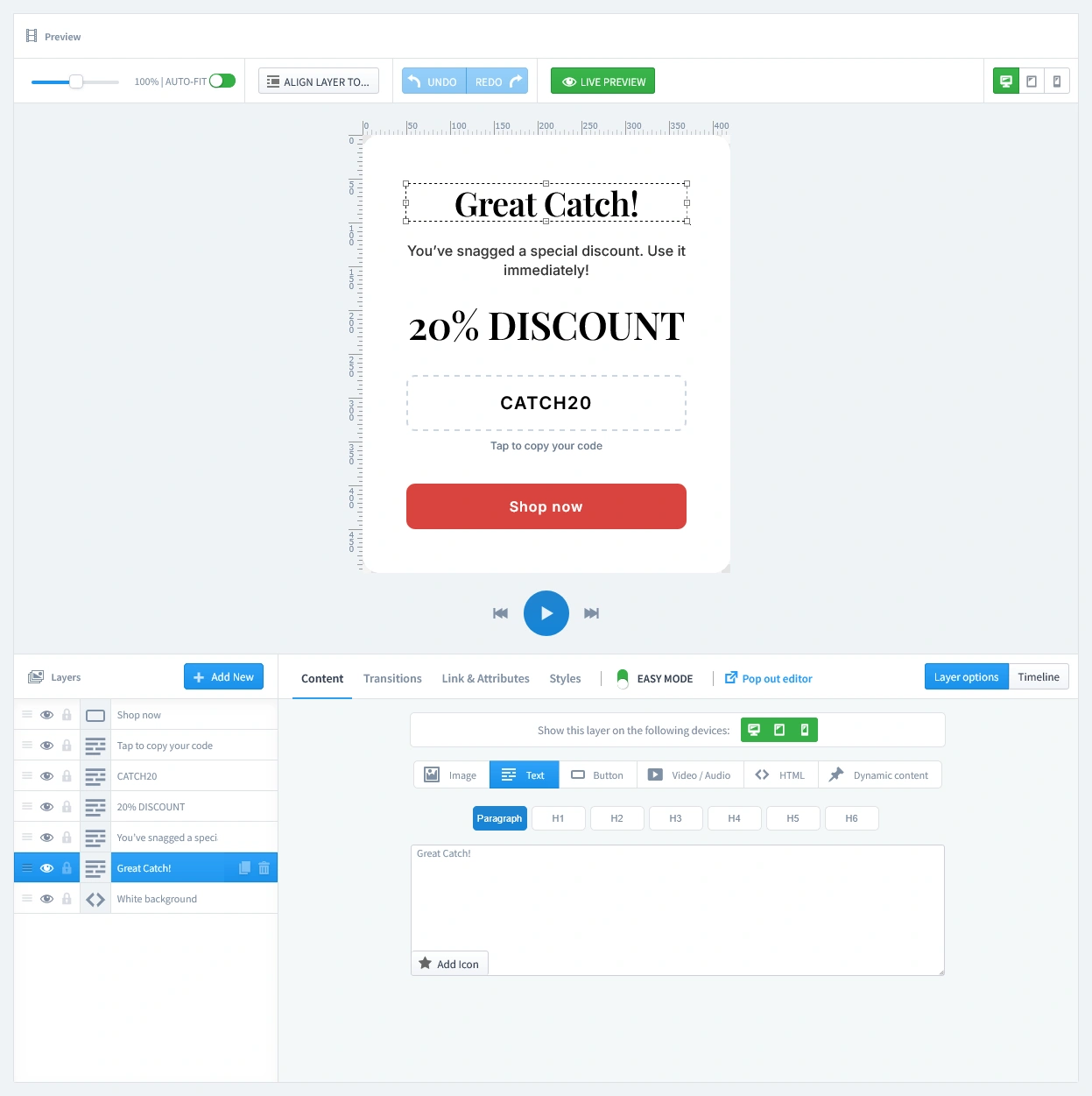
- The Reward Pages (Gift1 - Gift5): This is the crucial step. In the editor, you will see multiple "Gift" tabs. Each of these is a separate success page linked to the falling gifts. On each page, you must display the corresponding coupon code you created in Step 0, along with a congratulatory message.

Don't let spam bots fill your database with fake entries. Protect your form by adding a layer of security with our reCAPTCHA Module. It integrates with PrestaShop to block bots without annoying real customers.
Step 3: Set Triggers
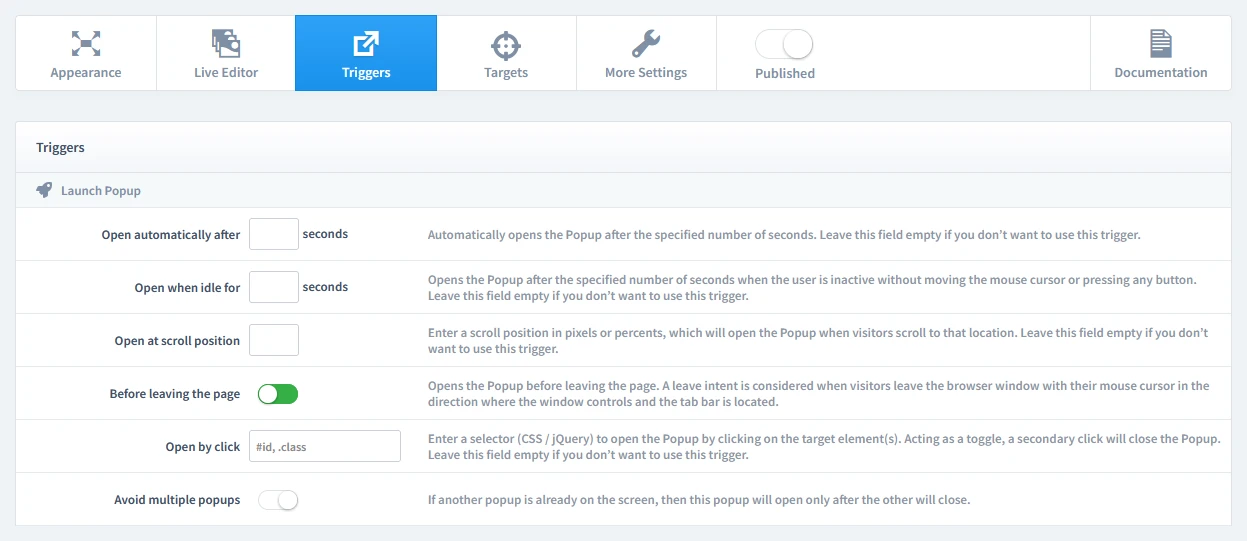
In this step, we'll set the rules for when your popup appears. Let's begin by clicking on the Triggers tab.
1. Launch Popup
You have several powerful options, but for this campaign, select Before leaving the page (Exit-Intent). It's a perfect "last chance" to engage a visitor with a fun activity before they go. A Timed Delay (after 7-10 seconds) is also a great choice.
2. Repeat Control
For this type of exclusive offer, it's crucial that a visitor only sees it once. To achieve this, start by enabling the "Prevent reopening" parameter. This setting prevents the popup from appearing again. We will combine this with a rule on the Targets tab to ensure it only appears once for each first-time visitor.
Step 4: Set Targets
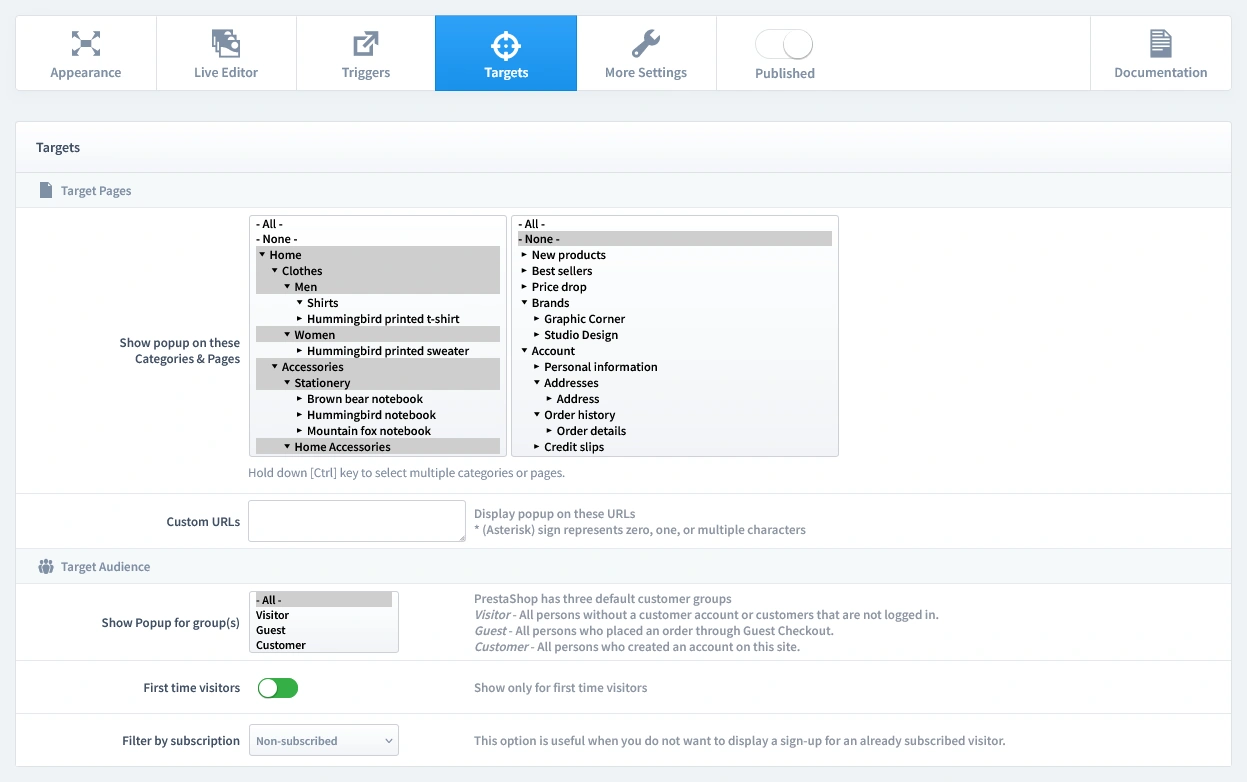
Now that we've set when the popup appears, it's time to define who sees it and on which pages. Let's begin by clicking on the Targets tab.
- Target Pages: For a powerful welcome offer, we recommend showing this popup on your Homepage and Category pages.
- Target Audience: This is an acquisition tool. Configure the audience to show this popup to First-time visitors only and ensure you Filter by Subscription to hide it from users who are already subscribed.
That's it! Your campaign is now live and ready to start boosting conversions on your store.
Don't have the module yet?
Start putting this strategy to work on your PrestaShop store.
Choose a Design and Go Live in Just a Few Clicks
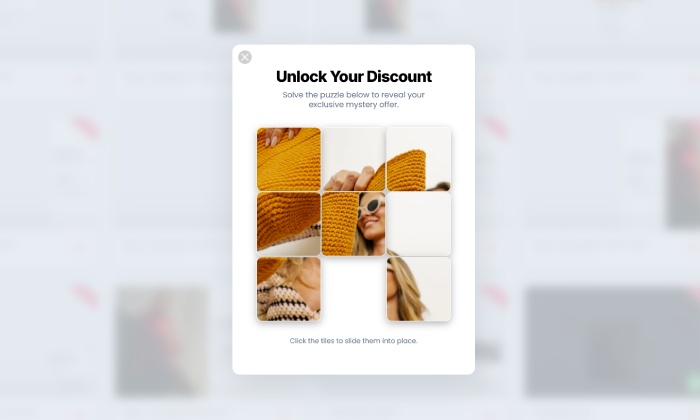
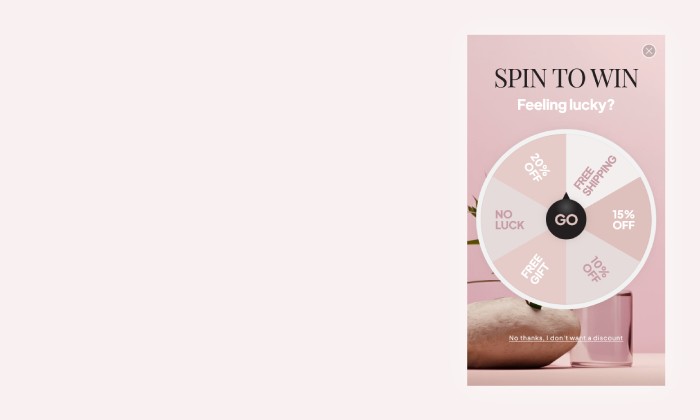
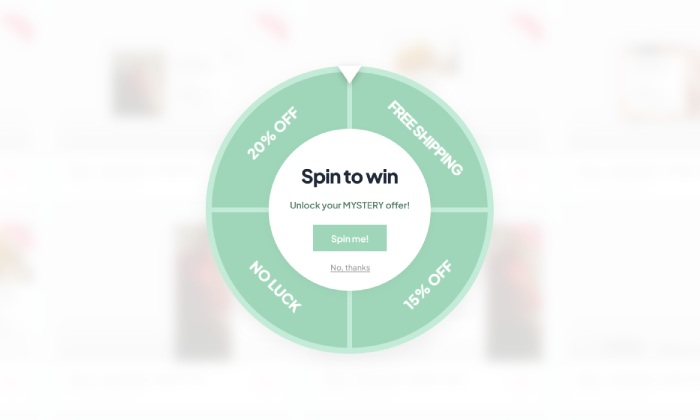
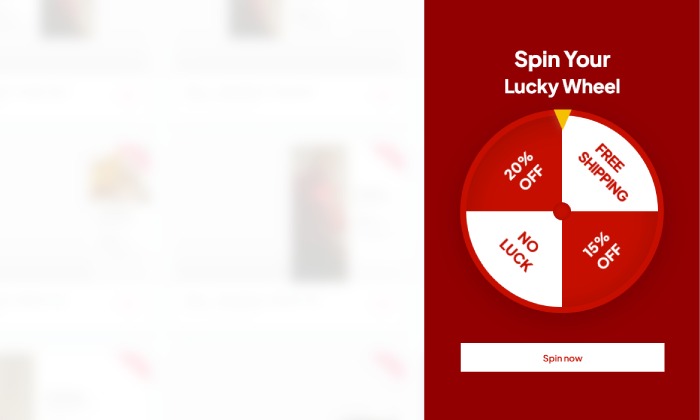
Why start from a blank page? Our template library is packed with professionally designed, conversion-focused layouts ready for your PrestaShop store.
NEW
NEW
NEW
NEW
NEW
NEW
NEW
NEW
NEW
NEW
NEW
NEW
Explore More Ways to Engage Visitors
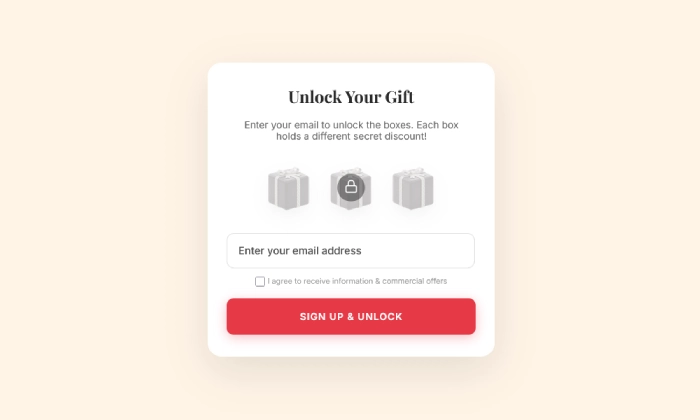
Mystery Gift Popup
Boost Engagement and Grow Your List with a Mystery Gift Game Delight new visitors with a fun 'pick a…
Read more »
Mailchimp Newsletter Popup
Sync new subscribers from your PrestaShop store directly to your Mailchimp Audience and marketing ca…
Read more »
Influencer Popup
Create a custom welcome popup for visitors from influencer campaigns, building instant trust and dri…
Read more »
VIP Offer Popup
Reward your best customers with exclusive deals Increase loyalty and drive repeat sales by showing s…
Read more »
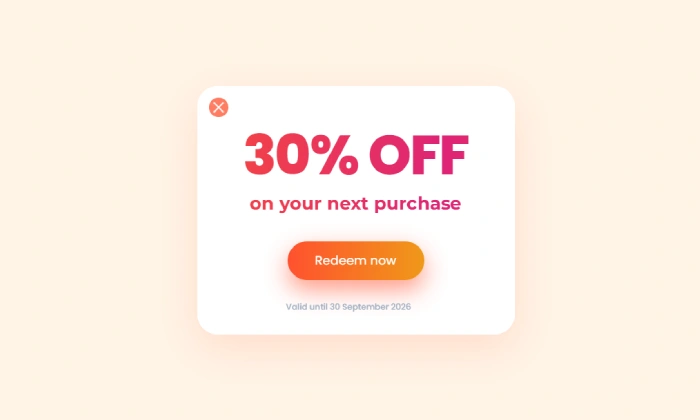
Discount Coupon Popup
Turn engaged shoppers into buyers with a coupon Offer a timely discount coupon to visitors showing i…
Read more »
Spin To Win Popup
Turn shopping into a fun experience with a "Spin to Win" wheel that offers instant discounts and dri…
Read more »